

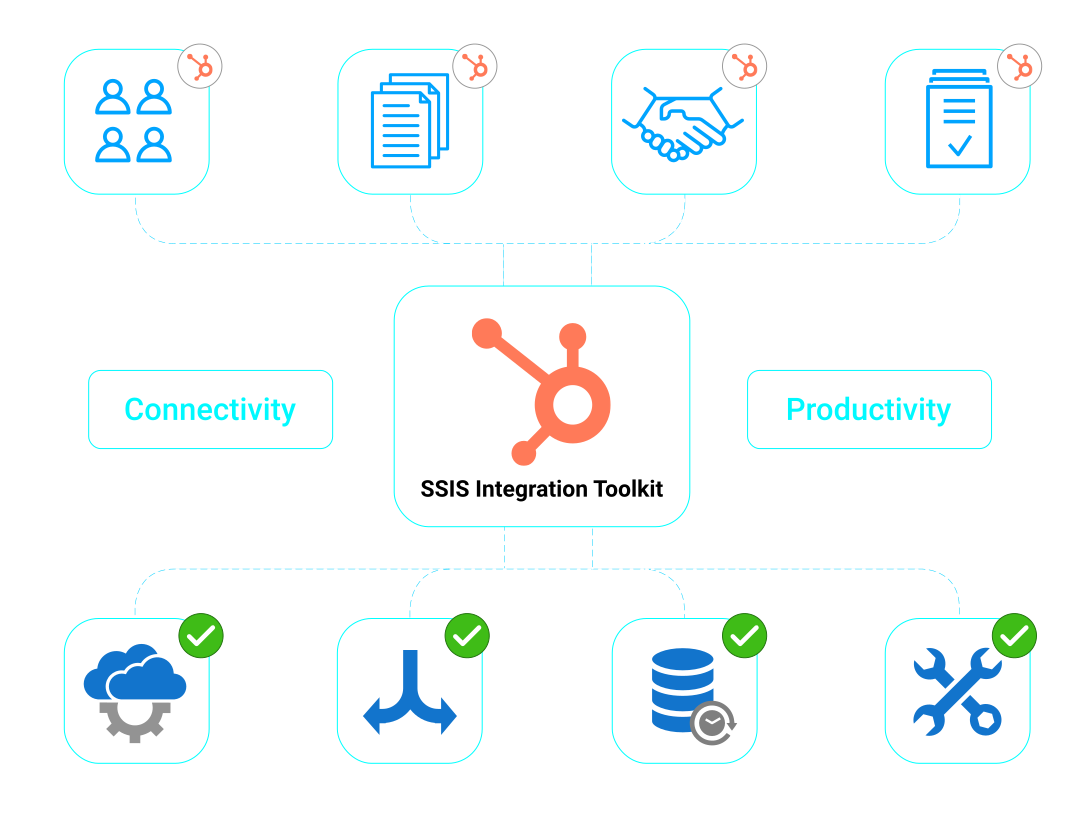
HubSpot supports customer relationship management, marketing, sales, service, and content operations. Connecting HubSpot with other business systems helps maintain accurate information and supports consistent processes across applications.
Synchronize Data
Synchronize HubSpot with ERP, CRM, databases, and other business applications. Retrieve and write customer, company, deal, ticket, product, and related data to keep systems aligned.
Automate Business Processes
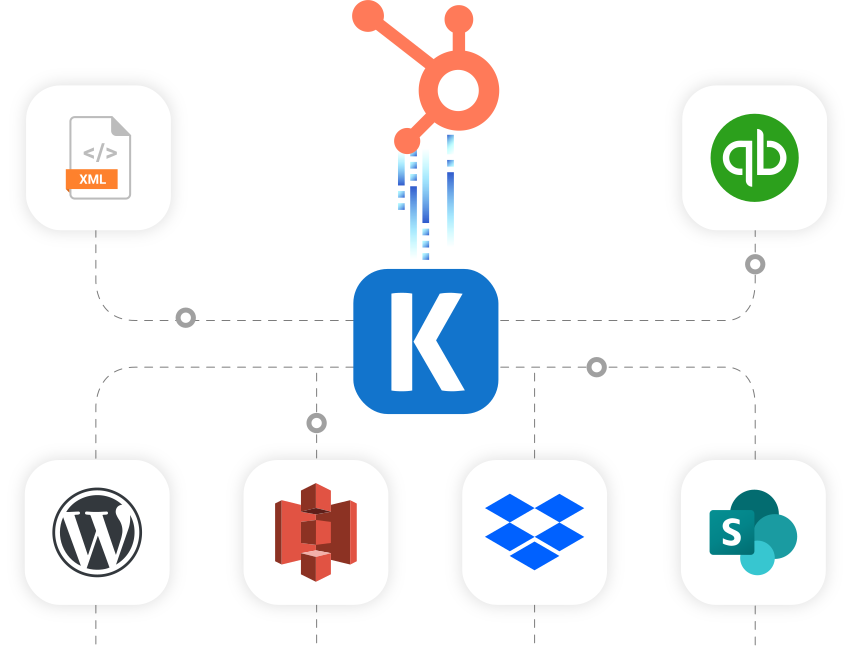
Automate the movement of HubSpot data between business applications and databases. Use scheduled SSIS packages to support recurring data loads, operational updates, and cross-system workflows.
Replicate Data

Data Archival
Replicate HubSpot data to databases, files, or storage platforms for retention, historical analysis, and data warehousing.

Data Analytics
Retrieve HubSpot data for use in BI, analytics, and reporting platforms to analyze sales, marketing, and customer activity.
Video Tutorial
Get Started with HubSpot Components
Learn how to quickly connect, read, write, and synchronize data with HubSpot using KingswaySoft SSIS Components.
See HubSpot Video
Key Features
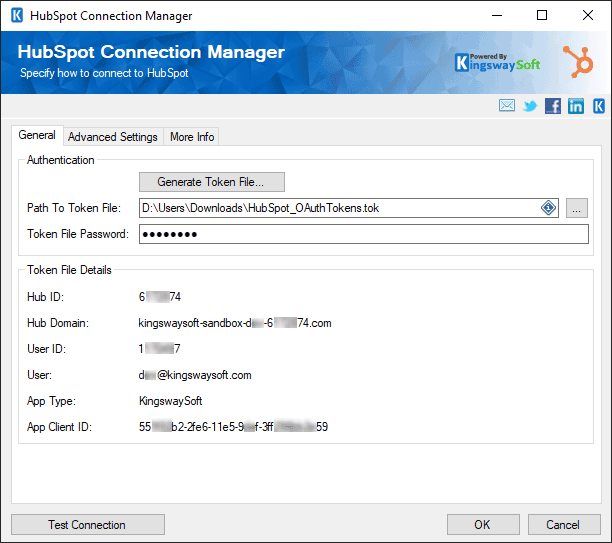
HubSpot Connection Manager
- The HubSpot Connection Manager establishes and manages connections to HubSpot through the HubSpot API.
- It supports the available authentication settings and connection properties required to access HubSpot data.
- The configured connection can be used by HubSpot Source, Destination, and other supported SSIS components.
- See this component's documentation
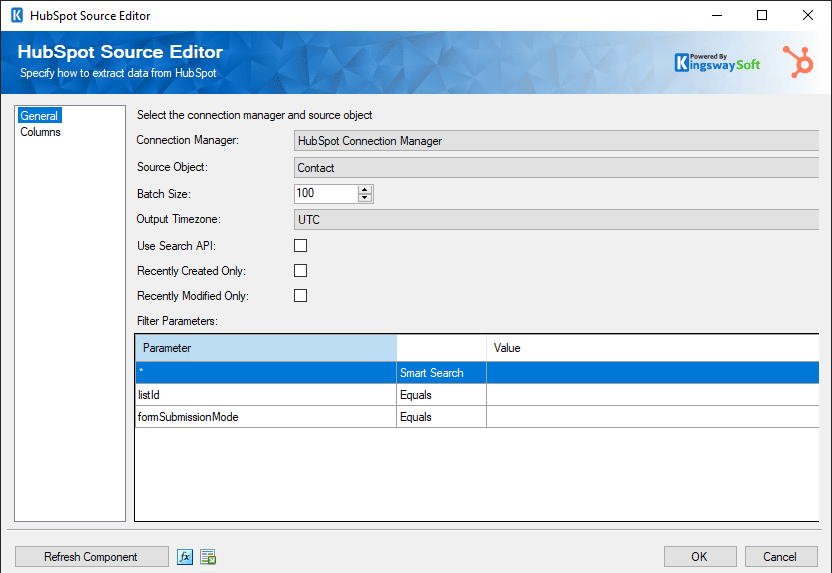
HubSpot Source Component
- The HubSpot Source Component retrieves data from supported HubSpot objects and endpoints.
- It allows users to select the required object, fields, and available filtering options.
- Retrieved HubSpot data can be passed to downstream SSIS components for synchronization, reporting, migration, or further processing.
- See this component's documentation
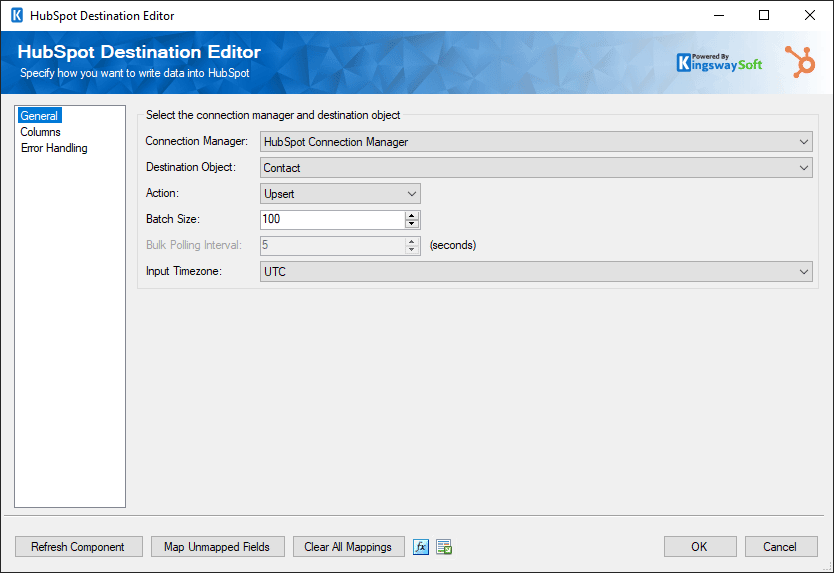
HubSpot Destination Component
- The HubSpot Destination Component writes data to supported HubSpot objects.
- It supports available actions such as create, update, upsert, and delete, depending on the selected object and endpoint.
- It provides field mapping, batch processing, and error-handling options for controlled HubSpot data operations.
- See this component's documentation
Data Integration Scenarios
Integrate HubSpot with Anything
Integrate HubSpot with CRMs, marketing platforms, and
ERPs using flexible, high-performance data components.

Integrate HubSpot with Eventbrite

Integrate HubSpot with Jira
Integrate HubSpot with LinkedIn

Integrate HubSpot with Mailchimp
Integrate HubSpot with NetSuite
Integrate HubSpot with QuickBooks
Integrate HubSpot with Salesforce

Integrate HubSpot with WordPress
Integrate HubSpot with Xero

Integrate HubSpot with Zoho CRM

Integrate HubSpot with Zoom
More SSIS Marketing Components
Our Marketing components make it easy to integrate with different services within the ETL process. Each service available has specific components that have been developed to work with all the intricacies of that particular Marketing service. In addition to HubSpot, we support the following Marketing applications:

Act-On

ActiveCampaign

Azure Maps

Brevo (Sendinblue)

Constant Contact

Drift

Emfluence

Eventbrite

Facebook Business

GetResponse

Jotform

Keap (Infusionsoft)

LinkedIn Business

MailChimp

Mailgun

Mailjet

Marketo

Microsoft Dynamics 365 Customer Insights

Microsoft Dynamics 365 Marketing

Oracle Eloqua

Oracle Marketing Cloud

Salesforce Marketing Cloud
Salesforce Pardot

SendGrid

SnapChat Business

TikTok Business

Typeform

X (Twitter)

Zoho Campaigns
HubSpot Data Integration Made Easy
Our solution is easy to use, offering code-less integration between HubSpot and virtually any other application or database system. Our solution is built utilizing Microsoft SQL Server Integration Services (SSIS), a performant and flexible ETL platform, allowing your team to take advantage of the technologies and skills they already have. The drag-and-drop user interface makes it easy to set up powerful integration within a matter of minutes.
Our HubSpot integration solution is available within the SSIS Integration Toolkit, a large collection of premium and unique ETL tools to enable greater development productivity. We also offer several additional connectivity solutions to easily integrate HubSpot with applications such as Microsoft Dynamics 365, SharePoint, Salesforce, and many more.
See our full product offerings for more information.
More Resources
Download our Data Sheet for
SSIS Components for HubSpot
