

QuickBooks Data Integration
Powered by KingswaySoft Solutions
Integrate and connect QuickBooks using flexible SSIS, JDBC, webhook processing, and codeless synchronization tools to work with accounts, customers, vendors, items, invoices, bills, payments, and related accounting data.
Explore Data Solutions for QuickBooks

SQL Server-Based Integration

Java Connectivity

Data Synchronization

Real Time Integration
The Most Feature-Rich and Flexible Data Solutions
SSIS Connectors - ETL Components - JDBC Drivers - Productivity Tools
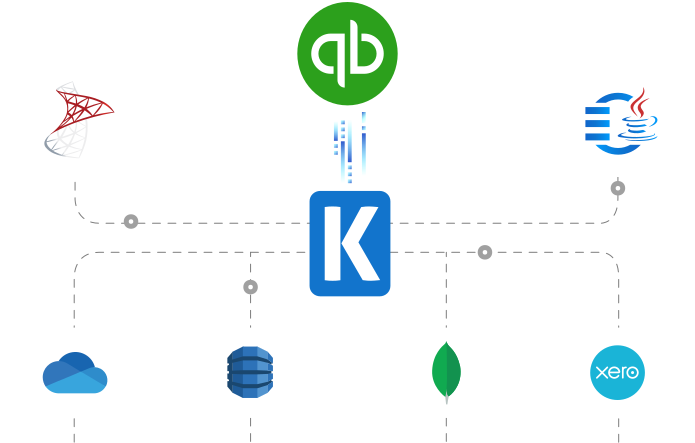
SQL Server Based Data Integration
Powerful QuickBooks SSIS Integration

Integrate QuickBooks with Any Source and Destination
Integrate supported QuickBooks Desktop and QuickBooks Online accounts, customers, vendors, items, invoices, bills, payments, transactions, and related records using SSIS with virtually any application or data source. Build codeless data flows for accounting synchronization, migration, reconciliation, reporting, and transaction processing while the components handle environment-specific connections, metadata, field mappings, Create, Update, delete, and void operations, batch processing, throttling, retries, and error handling.
Java Connectivity
Developer-Focused JDBC Access for QuickBooks
Give Java applications structured, API-based access to supported QuickBooks accounting resources through standard JDBC interfaces.
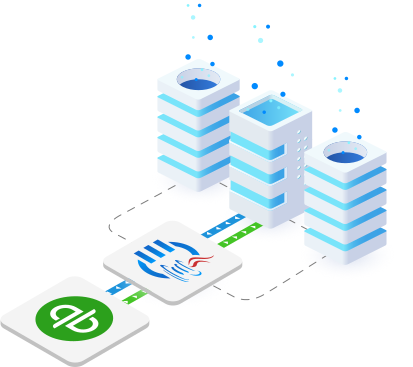
QuickBooks with EasySync
Turnkey Data Synchronization Solution for QuickBooks
Use a codeless experience to configure and manage repeatable data synchronizations from QuickBooks into supported database destinations. Define connections, mappings, tasks, and schedules, and monitor execution results through a centralized web interface.
Connect & Configure
-
Connect QuickBooks as a source and select a supported database destination.
-
Configure reusable connections, field mappings, tasks, and job settings.
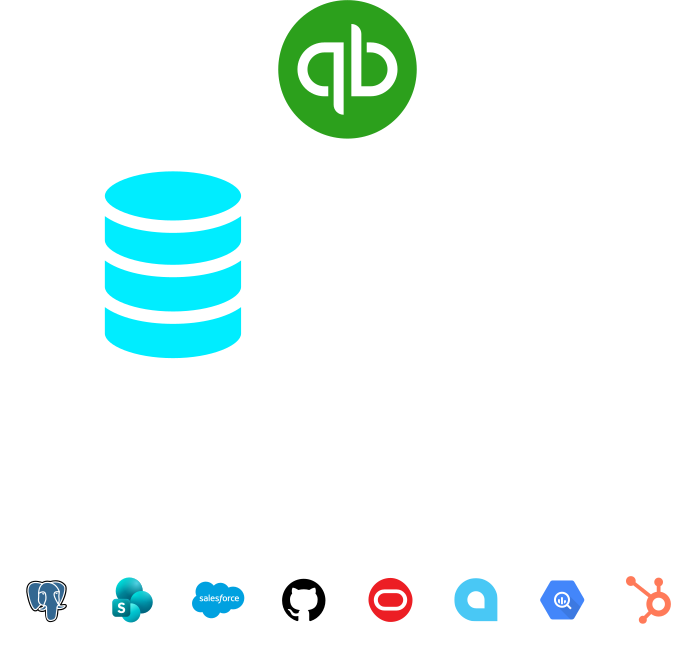
Synchronize & Automate
-
Use full or supported incremental extraction modes to transfer QuickBooks data.
-
Run jobs manually or on a defined schedule and monitor status, processed rows, and failures.
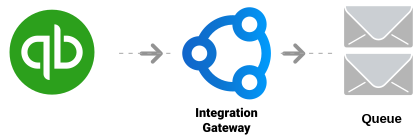
Real-Time Syncing
Receive QuickBooks Online Change Notifications
Configure QuickBooks Online webhooks to send supported accounting change notifications to Integration Gateway's dedicated QuickBooks Webhook endpoint. Process configured entity changes and initiate local workflows without recurring API polling.
Data Integration Scenarios
Integrate QuickBooks with Anything
Connect QuickBooks with CRMs, ERP systems, financial applications, and marketing platforms, using SSIS-based components.
QuickBooks with HubSpot
QuickBooks with Microsoft Dynamics
QuickBooks and NetSuite
QuickBooks and PayPal
QuickBooks and Sage
QuickBooks and Salesforce
QuickBooks and Shopify
QuickBooks and Square
QuickBooks and Stripe
QuickBooks and WooCommerce
QuickBooks and WordPress
QuickBooks and Xero
QuickBooks and Zoho Books
More Accounting & Commerce Components
Our Accounting & Commerce components make it easy to connect and exchange data with a wide range of services. In addition to QuickBooks, we support the following Accounting & Commerce services:

Authorize.net

BigCommerce

Bill.com

Chargebee

Maxio (Chargify)

eBay

Expensify

FreshBooks

Magento

MYOB

Open Accounting

Paycor

PayPal

Prestashop
Sage Business Cloud

Shopify

ShipStation

Square

Stripe

WooCommerce
Xero

Zoho Books

Zoho Expense

Zoho Invoice

Zuora
Download Solutions for QuickBooks




FAQ
QuickBooks data integration is available through the SSIS Integration Toolkit, JDBC Driver Pack, EasySync, and Integration Gateway. These products support SSIS-based integration, Java connectivity, database synchronization, and event-driven QuickBooks Online processing.
Yes. The QuickBooks SSIS Connection Manager supports Online and Desktop deployments. QuickBooks Online uses application authorization and OAuth connectivity, while Desktop connectivity requires the QuickBooks Desktop Gateway to run in the environment where QuickBooks Desktop is installed.
The JDBC Driver provides structured, API-based access to supported QuickBooks Online accounting resources using SQL-style statements. Java applications and compatible tools can use standard JDBC classes, metadata interfaces, prepared statements, caching, pagination, and supported write operations.
Integration Gateway provides a dedicated QuickBooks Webhook configuration for receiving supported QuickBooks Online entity-change notifications. Configure the endpoint and selected entities within the QuickBooks Online application settings, then route received events to SSIS packages, message queues, files, Windows commands, and other supported outbound connections. QuickBooks Desktop does not use this webhook mechanism.
EasySync provides a codeless way to synchronize supported QuickBooks data into supported database destinations. Configure reusable connections, mappings, tasks, extraction settings, and schedules, then monitor execution status, processed rows, and failures through a centralized web interface.
Get In Touch
If you would like to know more specific details about our solutions, or if you have any suggestions about our product offerings, we are always here to listen and help!
Contact Us