

KingswaySoft Solution for Dynamics
Dynamics 365 Integration
Connect Dynamics 365 to any application or data source with flexible, high-performance integration.
Download See Documentation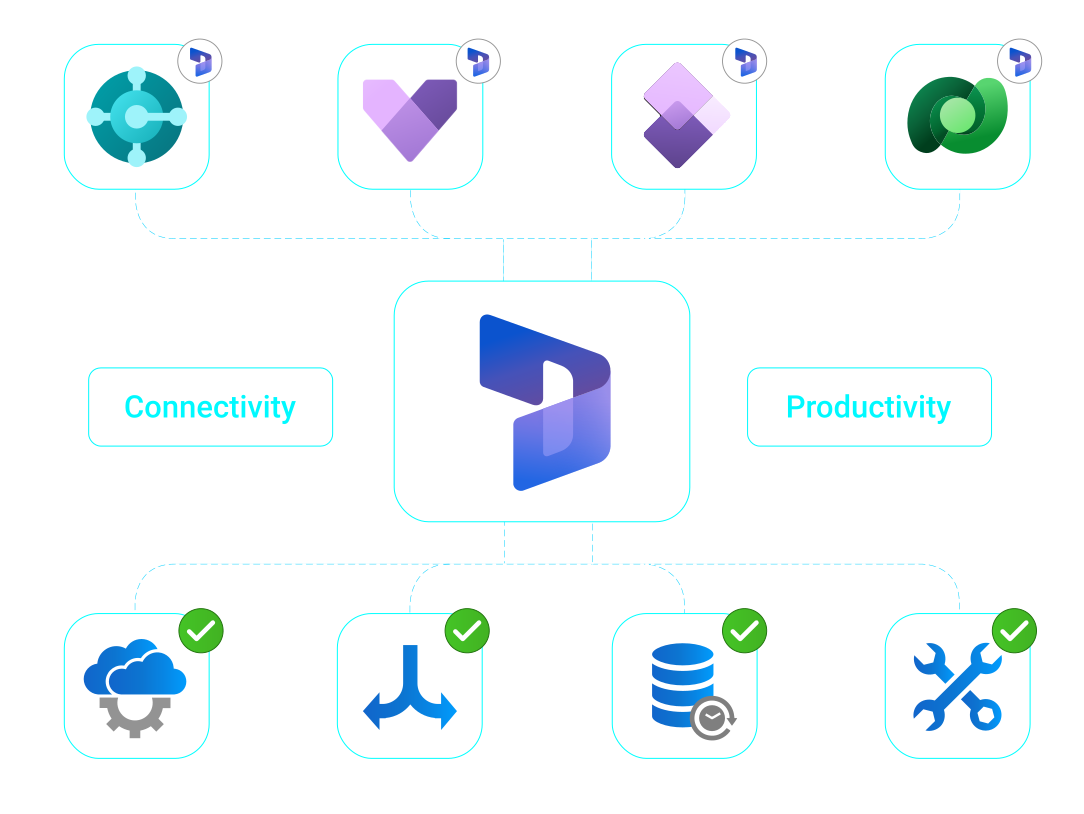
A powerful connectivity and developer productivity solution that integrates Dataverse with Dynamics CRM (CE), Finance & Operations (AX), and Business Central (NAV), designed to ensure secure data flow, synchronized systems, and code-free integration across complex environments.
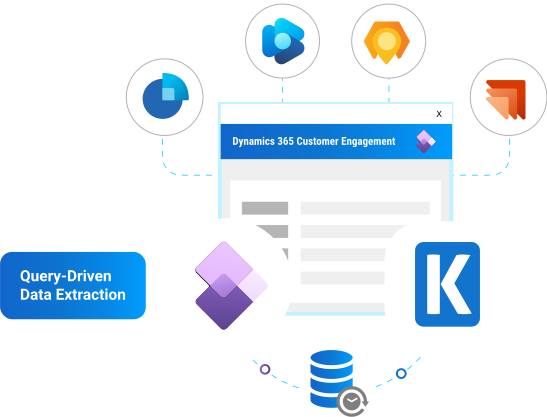
Dynamics CRM / 365
Customer Engagement
Data Solutions
High performance SSIS solution that enables seamless data integration with Dynamics 365 Dataverse through specialized components for advanced CRUD operations, FetchXML querying, and delta tracking.
It streamlines complex workflows such as many to many mapping and record upserting using robust matching logic, alternate keys, and lookup handling, all without requiring custom code.
- Sales
- Customer Service
- Field Service
- Marketing
- Project Operations
- CRM
Dynamics AX / 365
Finance & Operations
Data Solutions
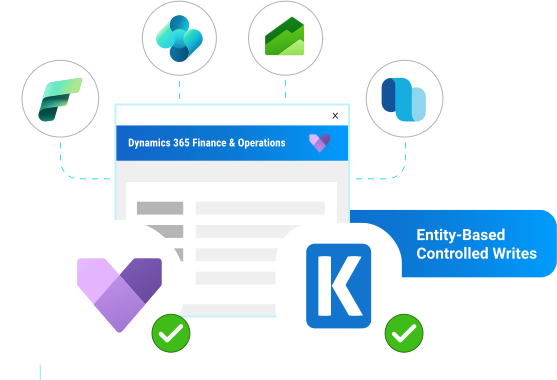
OData based solution that enables codeless data migration and synchronization, with robust upsert logic and features such as ignoring unchanged fields for optimized write actions.
Includes specialized tools for ERP specific requirements, such as premium service lookup and recurring export and import.
- Finance
- Supply Chain Management
- AX
Dynamics NAV / 365
Business Central
Data Solutions
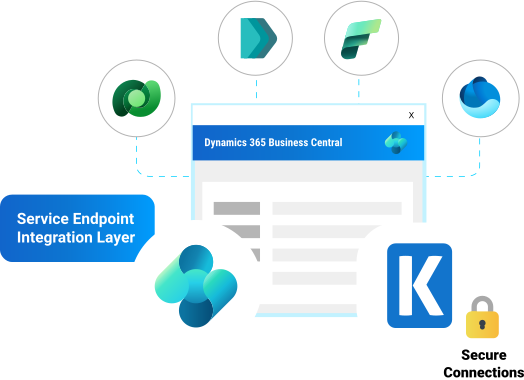
Data synchronization across cloud and on premise environments using specialized components that support advanced filtering, multitenant deployments, and diverse write actions like upsert, while ensuring reliability through a robust connection manager with built in retry logic.
Explore Business Central/NAV SolutionsAccomplish more with your data
Integrate. Automate. Report. Analyze. Replicate.

Powered by modern cryptography and authentication technologies for secure connections, such as TLS 1.2, OAuth2, SHA-256, etc.
Download Purchase Data Sheet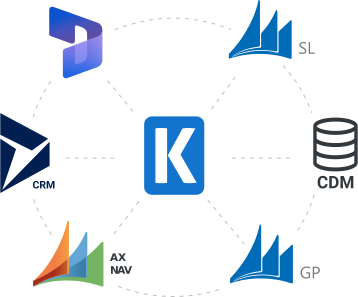
SSIS Integration Toolkit
Seamless data integration for Dynamics 365 and legacy systems including NAV, AX, CRM, SL, GP, and CDM.
High-performance, flexible, and easy-to-use components for Dynamics 365 data migration, upgrades, and complex integrations. Powered by the SSIS ETL engine and advanced configuration options, the SSIS Integration Toolkit delivers fast, codeless data integration across the Microsoft Dynamics 365 ecosystem.
Data Integration Made Easy
Advanced Integration Capabilities
Dynamics 365 Connectivity Made Easy
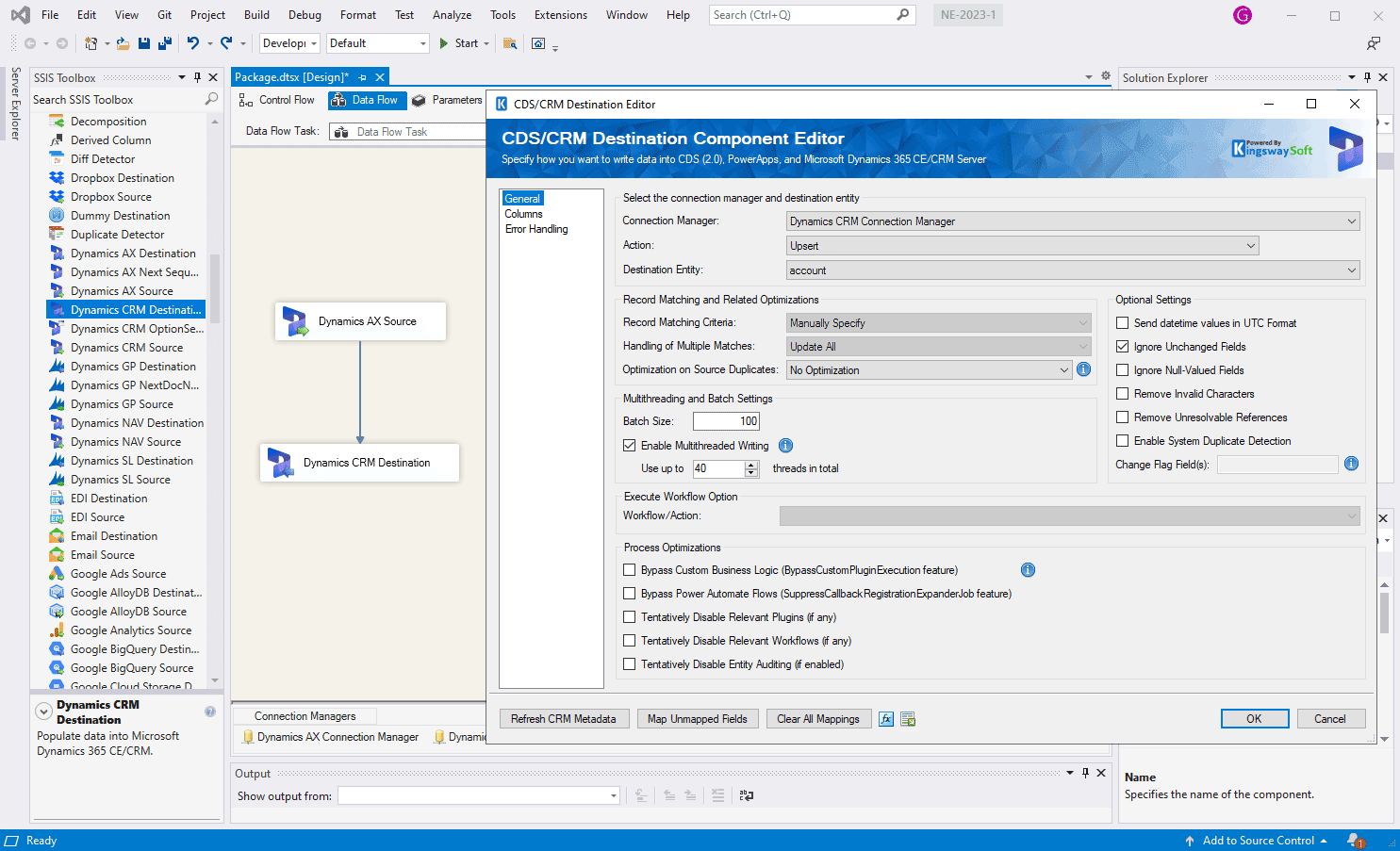
Easily connect to your Microsoft Dynamics 365 instances for advanced data retrieval and writing through expanded actions.
Microsoft Dynamics 365 Support
Finance & Operations
Finance, Supply Chain Management
Dataverse - CDS
PowerApps, Retail, Talent
Customer Engagement
Sales, Customer Service, Field Service, Marketing, Project Operations
Business Central
Online or on-premises
Legacy On-Premises Applications
Microsoft Dynamics AX, CRM, NAV
Microsoft Dataverse
SSIS Components
- ✔Read, write, and update Dataverse data via SSIS components
- ✔Perform bulk loads, upserts, and incremental data synchronization
- ✔Control API usage with batching, throttling, and error handling
Microsoft Fabric
Data Integration
- ✔Load data into Fabric Warehouse and OneLake environments
- ✔Extract and transform data from Fabric for downstream systems
- ✔Build scalable SSIS pipelines for enterprise data movement

Codeless
Integration
You don't have to write a single line of code to make data integration happen so your development can be done in a matter of minutes.
Flexible and
Easy to Use
We make the most flexible integration solution on the market. Our software offers intuitive user interfaces that are flexible and easy to use.
Cost
Effective
With a streamlined development experience, and an extremely simple licensing model, our solution offers the best value for your investment.
Unparalleled
Performance
Our software includes purpose-built features that help you achieve optimal performance while ensuring exceptional efficiency and reliability.
Featured Case Studies

The Center for Health Affairs needed to streamline their data integration development.

Sound Technologies needed to migrate their CRM data and automate their CRM/ERP processes.

How Genbil uses the SSIS Integration Toolkit for their AutoMerge tool.

SMS Management & Technology needed to migrate records from two different systems into CRM.
Since deployment to our production environment, the run-time of the regular daily processing, which was scheduled to begin every 15 minutes, has reduced from 15-20 minutes to now just 90 seconds using SSIS and KingswaySoft.
More Connectivity Solutions for Dynamics Applications
Our Components for Microsoft Services make it easy to integrate with different services within the ETL process. Each service available has specific components that have been developed to work with all the intricacies of that particular ERP solution. In addition to Dynamics 365 BC / NAV, we support the following ERP services:
More Microsoft SSIS Components

Dynamics 365 BC/NAV

Dynamics 365 CE/CRM

Dynamics 365 Customer Insights

Dynamics 365 FO/AX

Dynamics 365 Marketing

Dynamics 365 Supply Chain Management

Dynamics GP

Dynamics SL

Microsoft Dataverse/CDM

Microsoft Fabric
JDBC Drivers for Dynamics 365
Our JDBC Drivers for Dynamics 365, part of our JDBC Driver Pack, make it easy to connect with multiple microsoft dynamics services. Each service available has a specifically designed driver that handles all the intricacies of that particular application. JDBC Driver Pack includes the JDBC Drivers for Dynamics services:
JDBC Drivers

Dynamics 365 Business Central

Dynamics 365 Finance & Operations

Dynamics 365 Customer Engagement

Microsoft Dataverse
Where Our Solutions Fit in Your Workflow
Our solutions are used across a wide range of roles involved in managing
data pipelines, integrations, and enterprise system connectivity.
Data & Integration Engineers
Enterprise Application Managers
Solution Designers & Architects
More Resources
Download our Data Sheet for
SSIS Components for Microsoft Dynamics 365

FAQ
The SSIS Integration Toolkit for Microsoft Dynamics 365 streamlines data integration and migration for CE/CRM, Finance and Operations (FO/AX), Business Central (BC/NAV), and Dataverse. It provides robust SSIS components for efficient ETL processes, ensuring seamless interaction between Dynamics 365, SQL Server, and external systems for advanced reporting and data synchronization.
The toolkit includes specialized components for CDS and Dataverse integration that share a familiar UI with our CE/CRM components. This allows for straightforward migration using known configuration patterns while supporting Dataverse-specific requirements like RESTful connections and Active Directory On-Premises domain configurations.
For CE/CRM integration, we offer a powerful suite including Source, Destination, OptionSet Mapping, and the CRM Command Task. It supports Dynamics 365 Customer Engagement and legacy CRM versions, enabling data reads via FetchXML or AuditLogs and write actions like Upsert and Merge. Features like "Ignore Unchanged Fields" and flexible lookup handling ensure optimized performance without custom code.
Yes. The toolkit supports Dynamics 365 FO/AX and legacy versions (4.0 through 2012). It utilizes OData for D365FO and the .NET Business Connector for older versions. Key features include the AX Next Sequence Number component, specialized lookup capabilities, and support for Create, Update, Upsert, or Delete actions to manage ERP-specific data requirements.
The toolkit provides comprehensive support for BC/NAV (online and on-premises). It features a Connection Manager with built-in retry logic and multi-tenant support, a Source component with advanced filtering, and a Destination component supporting diverse write actions. Premium Service Lookup capabilities are also included to extend integration reliability.
Yes. With an Ultimate Edition license, you gain full EDI D365 integration via the SSIS Productivity Pack. The EDI Source and Destination components support formats like X12, EDIFACT, and HL7 across various connection managers including SFTP, S3, and Azure Blob. It includes an EDI Rules Manager and a visual Document Designer to map input columns and manage complex document structures efficiently, providing a complete solution for Dynamics 365 and EDI needs.
Get In Touch
If you would like to know more specific details about our solutions, or if you have any suggestions about our product offerings, we are always here to listen and help!
Contact Us