Using the Dynamics GP Connection Manager
SSIS Integration Toolkit for Dynamics GP includes an SSIS Connection Manager component to help you establish database connections to Microsoft Dynamics GP database catalogs.
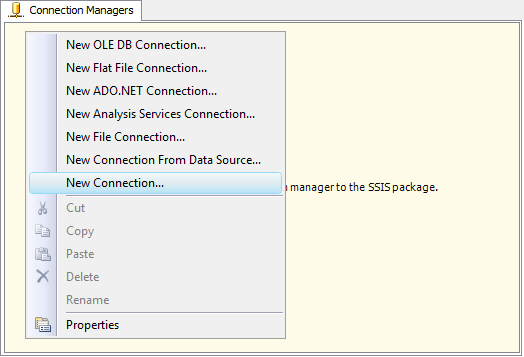
To add a new Dynamics GP connection to your SSIS package, right-click the Connection Manager area, and choose "New Connection..." from the context menu.
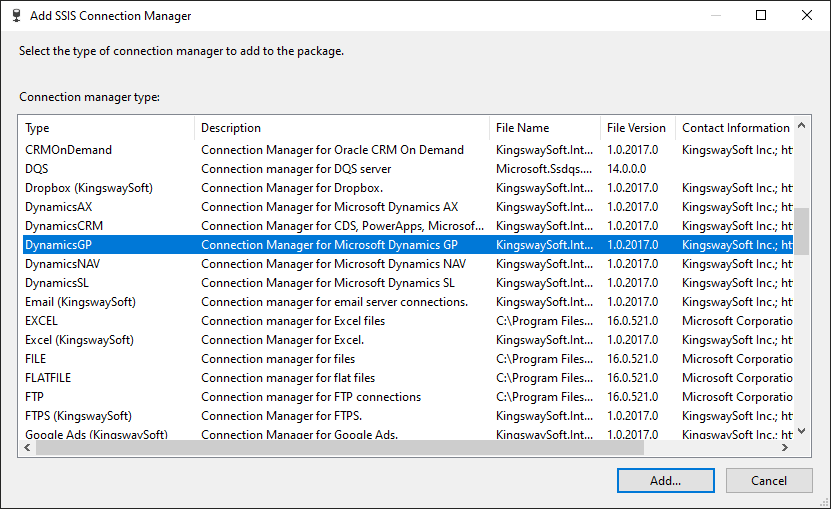
You will be prompted the "Add SSIS Connection Manager" window, where you can select "DynamicsGP" and press "Add..." to create the connection.
The Dynamics GP Connection Manager contains the following two tabs:
- Connection
- More Info
Connection Page
The Connection tab of the GP Connection Manager allows you to specify connection string settings.
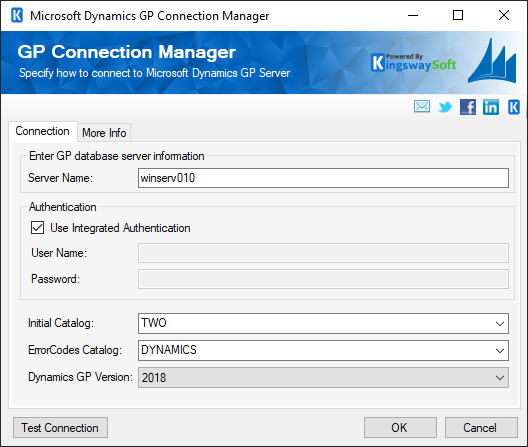
- Enter GP database server information
-
- Server Name
-
The Server Name field allows you to specify the SQL Server address where your Dynamics GP database is located.
- Authentication
-
The authentication section allows you to specify your login credentials to the SQL Server database, whether by using a Windows account via integrated authentication or by using a SQL account by specifying a username and password.
- Initial Catalog
-
The Initial Catalog field allows you to select the database catalog where your Dynamics GP is located.
- ErrorCodes Catalog
-
The ErrorCodes Catalog is used by the GP Destination Component to report the description of GP ErrorCodes. This should be the database catalog to GP's main catalog, usually 'DYNAMICS'. This is an optional field. If no value is provided, GP errors will be reported as integer values. You may query DYNAMICS.dbo.taErrorCodes for a list of ErrorCodes and their description.
- Dynamics GP Version
-
Specifying a different Dynamics GP version will load a different set of Dynamics GP schema to be used in GP source and destination components.
- Test Connection
-
After all the connection information has been provided, you may click "Test Connection" to test if the user can successfully log in to the SQL Server database.
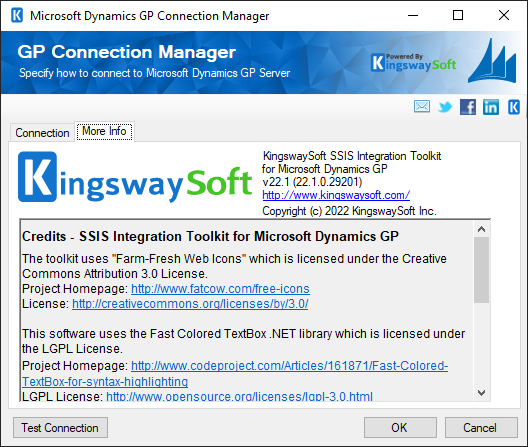
More Info Page
The More Info tab shows some basic information about where to find support and additional information about the toolkit. On this page, you can find the version information of the toolkit.