

Java Connectivity with Google Cloud Monitoring
via JDBC Driver Pack
The JDBC Driver Pack enables Java programs to access Google Cloud Monitoring data through structured, database-like tables. Java applications can query metrics, time series, and resource metadata using SQL-style queries through the JDBC API, supporting reliable Java database connectivity and reporting workflows.
Addressing Java Integration Barriers
Connecting Google Cloud Monitoring to your internal systems can involve challenges such as:
Java Database Connectivity Solutions
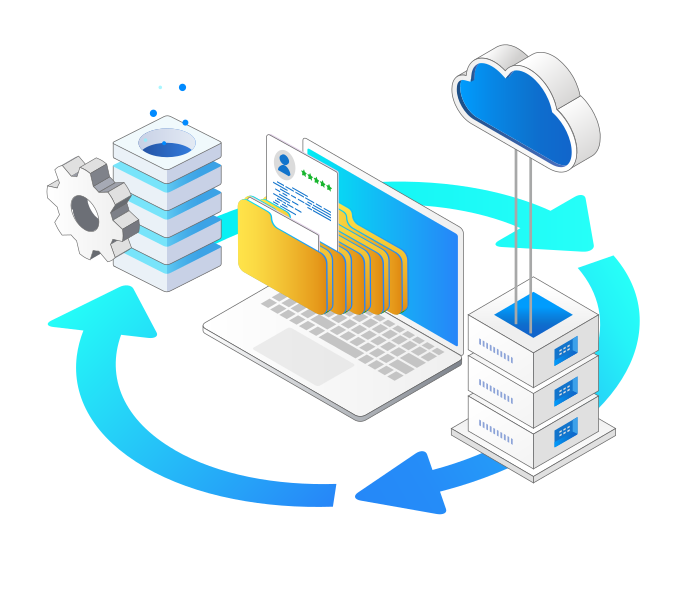
The JDBC Driver Pack presents Google Cloud Monitoring API data as structured tables,
enabling Java applications to work with monitoring data using familiar JDBC patterns.
Tabular Access to Monitoring Data
Metrics, time series values, and resource metadata are exposed as structured tables for query and analysis.
SQL-Style Queries via JDBC API
Java programs can use SQL-style queries through the JDBC API to retrieve monitoring data without manual REST handling.

Metadata Discovery Support
Schema information is available through standard JDBC metadata interfaces to support Java database connectivity.
Optimized Data Handling
Built-in pagination and request management support stable database connectivity for high-volume monitoring data.
Benefits for Your Business
Centralized Observability Data
Integrate monitoring data into Java applications, analytics tools, or reporting systems using consistent database connectivity.
Simplified Java Integration
Enable Java programs to access monitoring metrics through standard JDBC APIs, reducing custom integration effort.
Streamlined JDBC Features for Java Developers
Quick Setup
Easily configure JDBC URLs for Java applications with minimal effort through a straightforward setup process.
SQL Query Support
Execute SQL statements such as SELECT, INSERT, UPDATE, DELETE, and UPSERT using the JDBC API.
Advanced Query Capabilities
Leverage metadata discovery, prepared statements, and optimized execution for Java database connectivity.
Performance Optimization
Adjust caching and query timeouts while utilizing connection pooling in Java programs for better efficiency.
Secure Access Management
Utilize OAuth and API keys for secure JDBC access from Java applications without complex configuration logic.
Compatible with Leading JDBC Tools
Work with DbVisualizer, DBeaver, SQuirreL SQL, and other JDBC tools commonly used by Java developers.
JDBC API Access in Java Applications
Reliable JDBC API access for monitoring data in Java applications.
The JDBC Driver Pack provides structured access to Google Cloud Monitoring through the JDBC API, allowing Java applications to retrieve metrics and time series data using familiar JDBC interfaces and SQL style syntax. This approach supports Java based monitoring workflows while giving developers full control through standard JDBC patterns and application logic.
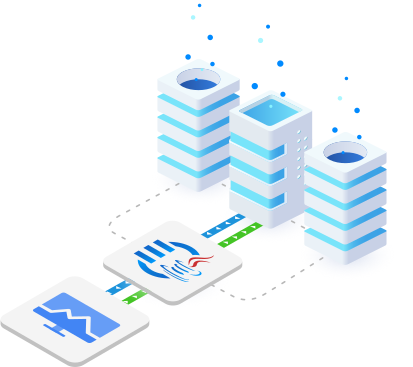
Google Cloud Monitoring Connectivity with
KingswaySoft's JDBC Driver Pack
Developer APIs JDBC Drivers
Our JDBC Driver Pack includes a diverse selection of
drivers for seamless connectivity across business applications.

Auth0

Avro

Azure DevOps

Azure Maps

Azure Table
Premium CSV

Duo Security

Elasticsearch

GitHub

GitLab

Google Cloud Monitoring

Google Cloud Trace

Google Knowledge Catalog
GraphQL

Okta

OneLogin
OpenAI

OpenSearch

Parquet

Premium OData
Splunk
FAQ
The KingswaySoft JDBC Driver for Google Cloud Monitoring uses the standard JDBC interface to provide structured access to Google Cloud Monitoring APIs. It allows Java applications and BI tools to retrieve performance metrics, time series data, and resource metadata using familiar SQL through JDBC.
The driver supports OAuth Authorization Code for user based access and Service Account authentication. These authentication methods enable secure access to Google Cloud Monitoring data based on configured permissions.
Performance metrics can be retrieved using standard SELECT statements through JDBC Statement or PreparedStatement objects. The driver translates SQL requests into Google Cloud Monitoring API calls and returns the results as a standard JDBC ResultSet.
Available metrics and resource schemas can be explored using the JDBC DatabaseMetaData interface. The getTables method lists supported metric and resource types, while getColumns provides details about the fields available for each table.
Yes. The driver is compliant with JDBC 3.0 and JDBC 4.0 standards and works with common BI tools, reporting platforms, ETL tools, and Java development environments such as Eclipse and IntelliJ.
Get In Touch
If you would like to know more specific details about our solutions, or if you have any suggestions about our product offerings, we are always here to listen and help!
Contact Us