



Addressing Java Integration Barriers
Connecting Freshdesk to your internal systems can involve challenges such as:
Java Database Connectivity Solutions
The JDBC Driver Pack allows developers to work with Freshdesk data
in a structured format that mirrors traditional database interactions.
Structured Query Support
Query Freshdesk tickets, contacts, groups, and SLA policies using SQL-like syntax that maps to the Freshdesk API.
JDBC Standards Compliance
Fully compatible with JDBC specifications to ensure seamless use within Java applications and supported JDBC tools.


Authentication Support
Supports API key and OAuth 2.0 authentication models for secure and configurable access.
Optimized Performance
Leverages pagination, caching, and metadata discovery to improve performance and reduce overhead.
Benefits for Your Business
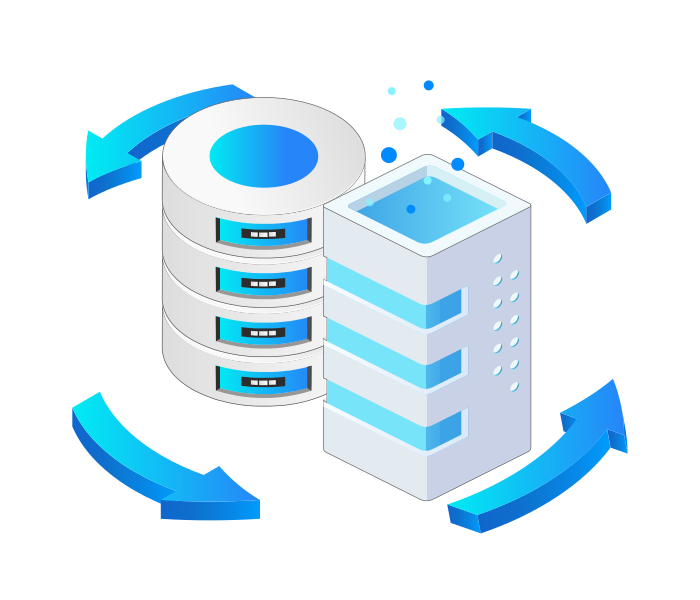
Unify Support Data Across Systems
Integrate Freshdesk with CRM, ERP, or BI tools for a consolidated view of metrics and agent performance.
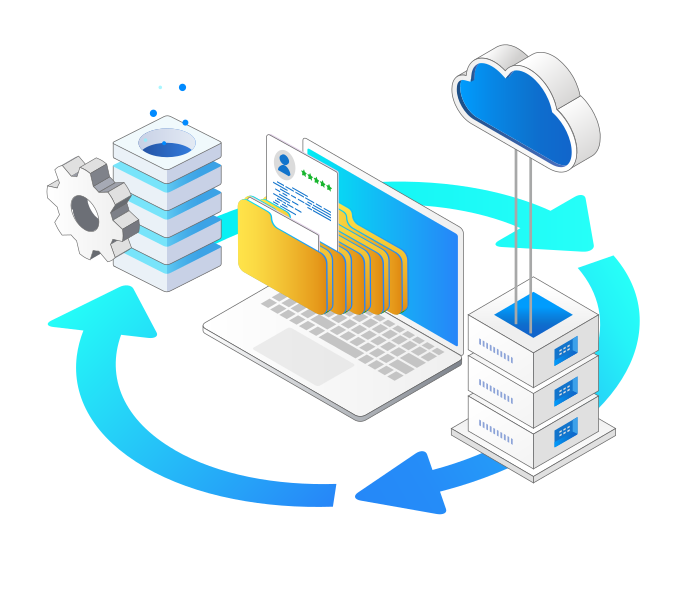
Streamline Development Workflows
Access Freshdesk records using structured queries to simplify integration projects and reduce manual handling of API logic.
Streamlined JDBC Features for Java Developers
Quick Setup
Easily configure JDBC URLs for Java applications with minimal effort through a straightforward setup process.
SQL Query Support
Execute SQL statements such as SELECT, INSERT, UPDATE, DELETE, and UPSERT using the JDBC API.
Advanced Query Capabilities
Leverage metadata discovery, prepared statements, and optimized execution for Java database connectivity.
Performance Optimization
Adjust caching and query timeouts while utilizing connection pooling in Java programs for better efficiency.
Secure Access Management
Utilize OAuth and API keys for secure JDBC access from Java applications without complex configuration logic.
Compatible with Leading JDBC Tools
Work with DbVisualizer, DBeaver, SQuirreL SQL, and other JDBC tools commonly used by Java developers.
JDBC API Access in Java Applications
Connect your support platform with
KingswaySoft’s JDBC Driver Pack.
Our JDBC Driver Pack offers secure and efficient access to Freshdesk data, supporting reporting, automation, and system integration for organizations focused on delivering high-quality customer service.
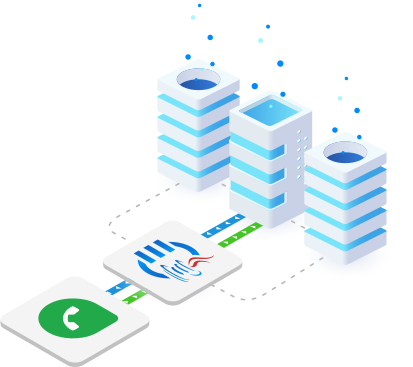
CRM & ERP JDBC Drivers
Our JDBC Driver Pack includes a diverse selection of
drivers for seamless connectivity across business applications.

Acumatica

Blackbaud

Copper

Crelate

Dynamics 365 AX/FO

Dynamics 365 CE/CRM

Dynamics 365 Customer Insights

Dynamics 365 NAV/BC

Freshdesk

HubSpot

Insightly

Intercom

Keap

Outreach

Pipedrive

Salesforce

ServiceNow

Zendesk

Zoho Bigin

Zoho CRM
FAQ
The KingswaySoft JDBC Driver for Freshdesk allows Java applications, BI tools, and reporting platforms to directly query and update helpdesk data through a standard JDBC interface. This enables seamless integration for managing tickets, contacts, and agents without manual data handling.
The driver supports API Key authentication methods, providing secure and flexible connectivity to Freshdesk environments.
You can execute standard SQL statements such as INSERT, UPDATE, DELETE, and UPSERT. The driver translates these commands into Freshdesk API calls, enabling efficient management of tickets, user details, and groups.
The UPSERT operation combines the functions of inserting and updating. It checks for an existing record based on a specified key and will insert a new record if none exists, or update the existing record if a match is found.
Yes. The KingswaySoft JDBC Driver for Freshdesk is fully compliant with JDBC 3.0 and JDBC 4.0 standards, ensuring smooth integration with popular BI, reporting, and ETL tools, as well as Java IDEs like Eclipse and IntelliJ IDEA.
Get In Touch
If you would like to know more specific details about our solutions, or if you have any suggestions about our product offerings, we are always here to listen and help!
Contact Us