

Dynamics 365 AX/FO
Finance & Operations Data Integration
via SSIS Integration Toolkit
Integrate and migrate data to and from Dynamics 365 Finance & Operations and AX with any other application or data source including HubSpot, Trello, Google Ads, and GitHub, to name just a few.

What other applications can you sync with Dynamics 365 AX/FO?
Click here for more solutions.
ERP, finance, and operational data often need to connect with CRM, reporting, supply chain, and other business systems to support more reliable processes. Integrating Dynamics 365 AX/FO with other platforms helps teams keep financial, customer, and operational data better aligned throughout the organization.
Synchronize ERP Data
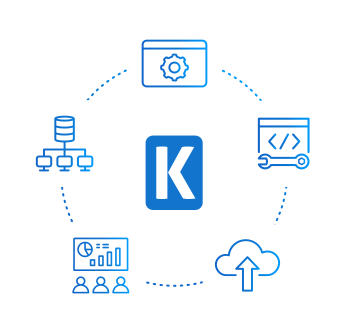
Synchronize AX/FO with CRM, ERP, database, warehouse, reporting, or operational systems so business data stays current across applications. Retrieve data from AX/FO entities, recurring exports, or AX tables, and use filtering, ordering, batch size, and row limit settings to control data extraction.

Support AX/FO Write & Import Workflows
Write data back to AX/FO using supported create, update, upsert, delete, and custom action operations. Use standard OData writing, Import Package API for larger imports, batch size settings, and multithreaded writing to support more complex AX/FO data loading scenarios.
Support Advanced AX/FO Integration Logic
Use dedicated AX/FO components to support integration steps beyond standard read and write operations. Retrieve next sequence numbers for AX/FO records and use Premium Service Lookup to match, validate, and return reference data before writing to downstream systems.
Replicate Data

Data Archival
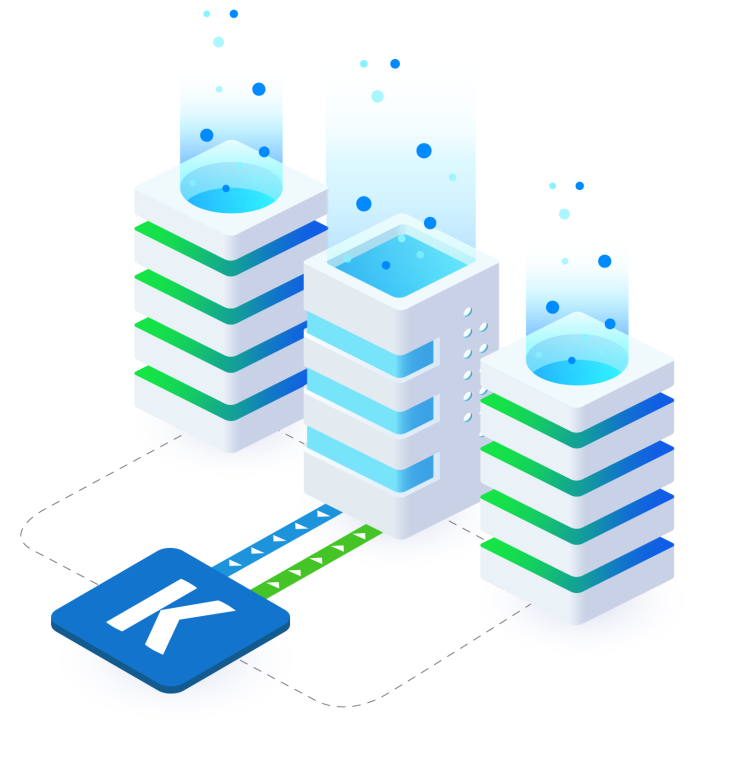
Retrieve data into SSIS for archival, and downstream processing. Use entity selection, recurring export settings, filtering conditions, order by options, and batch size controls to manage extraction.

Data Analytics
Prepare AX/FO data for BI and analytics across your reporting platforms. Use SSIS workflows to move AX/FO data into databases, warehouses, and other reporting destinations.
Dynamics 365 AX/FO Data Integration is available within SSIS Integration Toolkit
Download Purchase Help ManualVideo Tutorial
Get Started with Dynamics 365 AX Components
Learn how to quickly connect, read, write, and synchronize Dynamics 365 AX / Finance and Operations data using KingswaySoft SSIS Components.
See Dynamics 365 AX Video
Key Features
Finance & Operations / AX:
Data Integration Made Easy
Our solution is easy to use, offering codeless integration between Microsoft Dynamics 365 AX/FO and other applications, databases, and business systems. Built for Microsoft SQL Server Integration Services, KingswaySoft's AX/FO integration solution helps teams retrieve, write, validate, and prepare AX/FO data through dedicated SSIS components. With support for OData and Business Connector connections, multiple authentication modes, recurring exports, Import Package API, multithreaded writing, number sequence handling, and Premium Service Lookup, users can build AX/FO integrations with greater control and visibility.
Our Dynamics 365 AX/FO integration solution is available within the SSIS Integration Toolkit, a large collection of premium and unique ETL tools to enable greater development productivity. We also offer several additional connectivity solutions to easily integrate Dynamics 365 AX/FO with applications such as Microsoft Dynamics 365, SharePoint, Salesforce, and many more.
See our full product offerings for more information.
Data Integration Scenarios
Integrate Dynamics 365 with Anything
Connect Dynamics 365 with popular services, APIs,
and databases using KingswaySoft’s prebuilt integration connectors.

Integrate Dynamics 365 with Azure Data Lake
Integrate Dynamics 365 with Azure Functions
Integrate Dynamics 365 with Azure Service Bus

Integrate Dynamics 365 with Excel
Integrate Dynamics 365 with LinkedIn
Integrate Dynamics 365 with Power BI
Integrate Dynamics 365 with QuickBooks
Integrate Dynamics 365 with Salesforce
Integrate Dynamics 365 with SharePoint
Integrate Dynamics 365 with Microsoft Teams
Integrate Dynamics 365 with XML
More ERP Components
Our ERP components make it easy to integrate with different services within the ETL process. Each service available has specific components that have been developed to work with all the intricacies of that particular ERP solution. In addition to Dynamics 365 AX/FO, we support the following ERP services:
SSIS Integration Toolkit

Acumatica

Extensiv

Microsoft Dynamics 365 BC/NAV

Microsoft Dynamics 365 Supply Chain Management

Microsoft Dynamics GP

Microsoft Dynamics SL

NetSuite

Odoo

SAP
Get In Touch
If you would like to know more specific details about our solutions, or if you have any suggestions about our product offerings, we are always here to listen and help!
Contact Us