

Java Connectivity with Microsoft Teams
via JDBC Driver Pack
The JDBC Driver Pack enables Java applications to access Microsoft Teams data using SQL-style queries through the JDBC API. Retrieve collaboration and communication data to support reporting, analytics, and business applications.
Addressing Java Integration Barriers
Working with Microsoft Teams data introduces challenges such as:
Java Database Connectivity Solutions
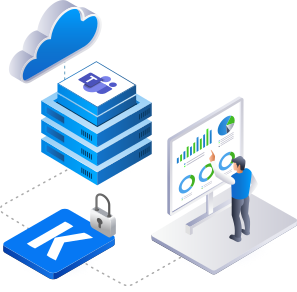
The JDBC Driver Pack presents Microsoft Teams data as structured tables, enabling Java applications
to work with collaboration information using familiar JDBC patterns.
Unified Collaboration Data
Work with Microsoft Teams data through a consistent JDBC interface for reporting, analytics, and business applications.
SQL-Driven Data Retrieval
Use SQL-style queries through the JDBC API to search and retrieve Microsoft Teams data without manually working with API requests.


Metadata Discovery Support
Use standard JDBC metadata interfaces to identify available data structures and simplify Java application development.
Efficient Collaboration Analysis
Retrieve Microsoft Teams data efficiently to support reporting, analytics, and other Java-based collaboration workflows.
Benefits for Your Business
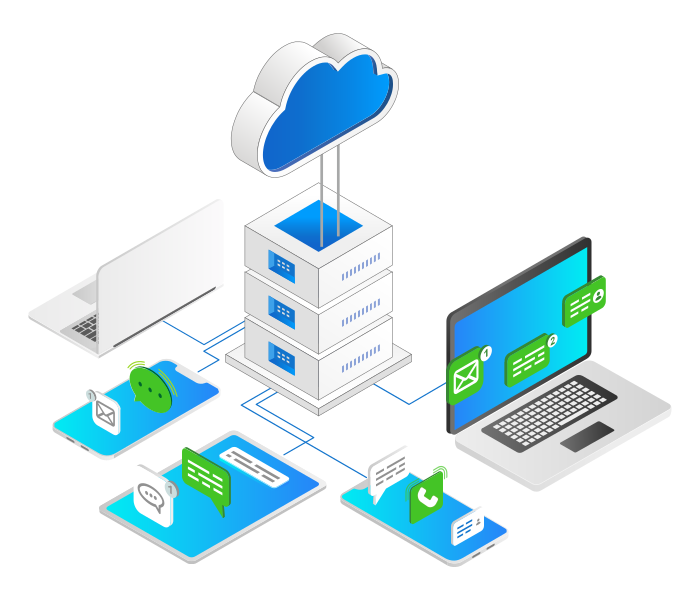
Collaboration Insights
Incorporate Microsoft Teams data into reporting and analytics solutions to gain better visibility into collaboration and communication activities.
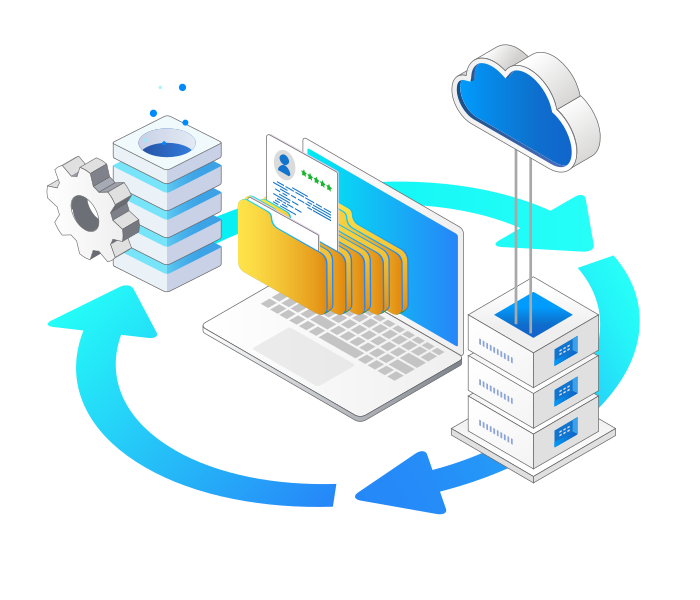
Simplified Java Integration
Enable Java applications to work with Microsoft Teams data through standard JDBC interfaces, reducing the effort required to build and maintain custom API integrations.
Streamlined JDBC Features for Java Developers
Quick Setup
Easily configure JDBC URLs for Java applications with minimal effort through a straightforward setup process.
SQL Query Support
Execute SQL statements such as SELECT, INSERT, UPDATE, DELETE, and UPSERT using the JDBC API.
Advanced Query Capabilities
Leverage metadata discovery, prepared statements, and optimized execution for Java database connectivity.
Performance Optimization
Adjust caching and query timeouts while utilizing connection pooling in Java programs for better efficiency.
Secure Access Management
Utilize OAuth and API keys for secure JDBC access from Java applications without complex configuration logic.
Compatible with Leading JDBC Tools
Work with DbVisualizer, DBeaver, SQuirreL SQL, and other JDBC tools commonly used by Java developers.
JDBC API Access in Java Applications
Reliable JDBC API access for Microsoft Teams data in Java applications.
The JDBC Driver Pack allows Java applications to work with Microsoft Teams data using familiar JDBC interfaces and SQL-style syntax. This enables developers to build reporting, analytics, and collaboration applications while leveraging standard Java database connectivity patterns.
Simplified JDBC Connectivity to Microsoft Teams with
KingswaySoft's JDBC Driver Pack
Download
Purchase
Help Manual
Collaboration JDBC Drivers
Our JDBC Driver Pack includes a diverse selection of
drivers for seamless connectivity across business applications.

Airtable

Asana

Basecamp

ClickUp

Discord

Facebook Messenger

Freshservice

Google Calendar

Google Classroom

Google Directory

Google Forms

Google Maps

Google People

GoTo Webinar

Jira

Microsoft Planner

Microsoft Teams

Microsoft To Do

Monday.com

RingCentral

Slack

Smartsheet

Teamwork

Trello

Webex

Zoho Desk

Zoho Sheet
FAQ
The KingswaySoft JDBC Driver for Microsoft Teams allows Java applications and JDBC-compatible tools to work with supported Microsoft Teams data using familiar SQL syntax through a standard JDBC interface. This includes resources such as groups, chats, messages, joined teams, members, and related Microsoft Graph data.
The driver supports Authorization Code, Client Credentials, and Certificate authentication. Connections can be configured with the required Tenant ID, Client ID, and related credentials, with certificate authentication using a PFX file.
The driver supports SELECT, INSERT, UPDATE, DELETE, and UPSERT operations for supported Microsoft Teams resources. Available operations depend on the specific table, and UPSERT is supported only where identified by the driver.
The driver can expand supported object fields into child columns based on the configured metadata depth. For SELECT operations, it can also use Microsoft Graph $expand behavior to retrieve supported related fields when they are explicitly included in the SQL statement.
Yes. The driver supports standard JDBC DatabaseMetaData methods such as getTables, getColumns, and getPrimaryKeys to discover available tables, columns, and primary keys. Write-only structures can also be identified through the system tables.
Get In Touch
If you would like to know more specific details about our solutions, or if you have any suggestions about our product offerings, we are always here to listen and help!
Contact Us