

Asana Data Solutions
via SSIS Integration Toolkit & JDBC Driver Pack
Integrate and connect Asana with our advanced tools to enable data exchange across your business applications.
Explore Data Solutions for Asana

SQL Server-Based Integration

Java
Connectivity

Real Time Integration
The Most Feature-Rich and Flexible Data Solutions
SSIS Connectors - ETL Components - JDBC Drivers - Productivity Tools
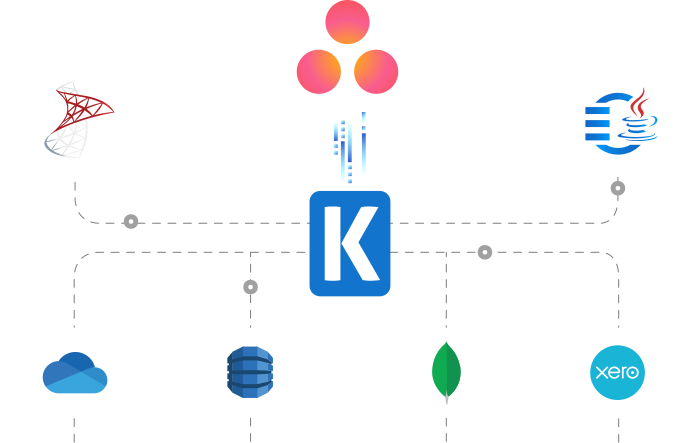
SQL Server Based Data Integration
Powerful Asana SSIS Integration

Integrate Asana with Any Source and Destination
Integrate and migrate data to and from Asana using SSIS with any other application or data source, including Google Ads, Salesforce, and HubSpot, to name just a few. Easily consolidate data while maintaining data integrity and consistency
Download Learn MoreJava Connectivity
Reliable, Simplified Data Flow for Asana
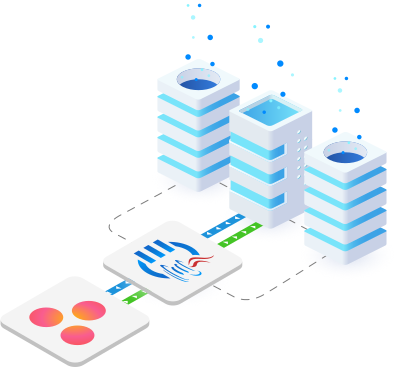
Seamlessly connect Asana with your ETL, reporting, BI, and other applications for real-time updates, enhanced customer engagement, and automation of customer, sales, and service data.
Real-Time Syncing
Set Up Webhook Listeners to Receive Messages from Asana
Leverage Integration Gateway's Asana Webhook to instantly capture and process data changes in Asana, enabling real-time integration to keep data up-to-date across systems.
More Collaboration Components
Our Collaboration components make it easy to integrate with different services within the ETL process. Each service available has specific components that have been developed to work with all the intricacies of that particular collaboration solution. In addition to Asana, we support the following Collaboration services:
Browse Connectors

Basecamp

Calendly

ClickUp

DocuSign

GitHub

Jira

Microsoft Planner

Microsoft Project Server
Microsoft SharePoint

Microsoft Teams

Microsoft To Do

Monday.com

OpenAI

Replicon

RingCentral

Slack

SmartSheet

Team Foundation Server

Teamwork

Trello

Webex

Wrike

Yammer

Zoho Sheet

Zoom
We have been using the SSIS Integration Toolkit, the SSIS Integration Toolkit for Microsoft Dynamics 365 (CRM/AX/NAV), and the SSIS Integration Toolkit for Microsoft SharePoint. The Kingswaysoft components are extremely easy to use, and make programming SSIS packages a breeze!
Download Solutions for Asana



FAQ
Asana data solutions are available through the Real-time Integration Gateway and SSIS Integration Toolkit.
The SSIS Connection Manager features an 'In-App Generate Token File' button, requiring the user to provide the Client Id, Client Secret, and Redirect Url configured in the Asana Developer App Console to complete the OAuth flow. This process also supports the optional PKCE security extension.
The Asana JDBC Driver uses the OAuth Authorization Code flow, requiring a PathToTokenFile connection setting to securely store and reuse the generated access token for API access.
The default batch size for reading records is 100 (ReadBatchSize), and the default batch size for writing records is 200 (WriteBatchSize). Performance for large writes can be further improved by setting the ConcurrentWritingThreads property.
The standard DatabaseMetaData methods only retrieve tables that are not write-only. To retrieve write-only tables and columns, you must query the virtual system tables `system.tables` and `system.columns`.
Yes, the SSIS Destination Component supports writing related objects by connecting a secondary input and linking the parent and child records using a common `_LinkId` field.
Get In Touch
If you would like to know more specific details about our solutions, or if you have any suggestions about our product offerings, we are always here to listen and help!
Contact Us