

KingswaySoft SSIS Solution for GitHub
GitHub Integration
Connect GitHub to any application or data source with flexible, high-performance integration.
Download See Documentation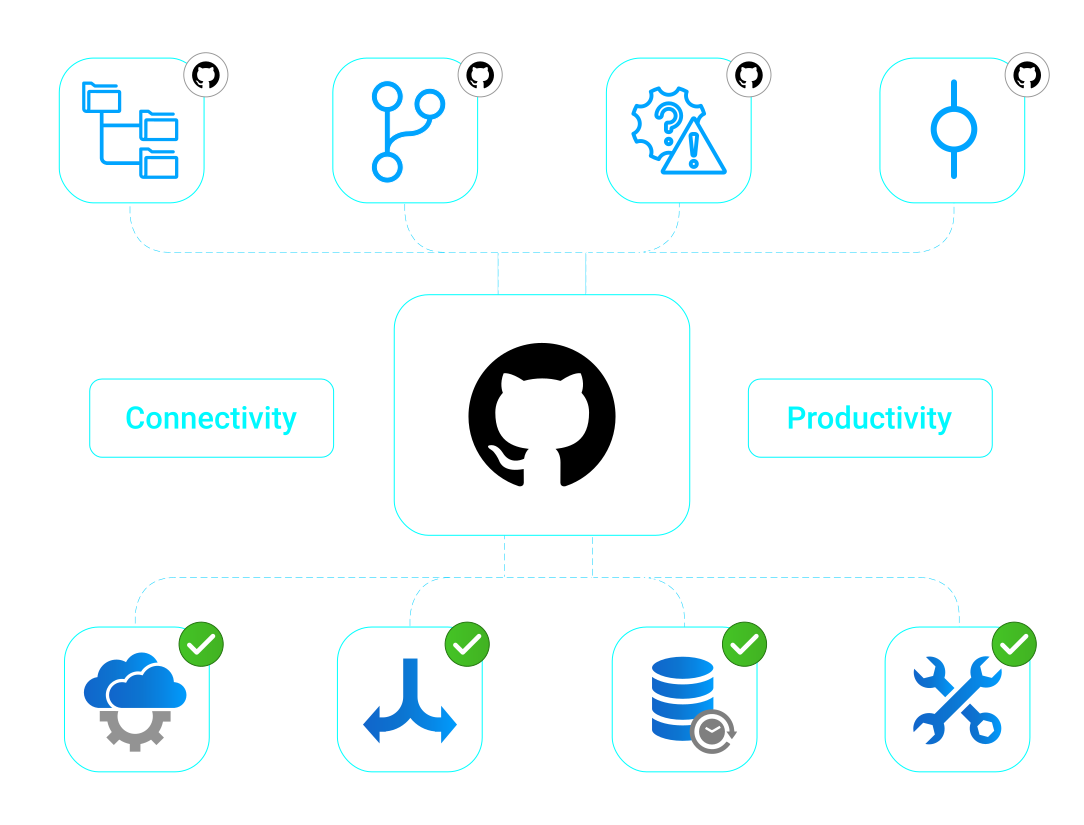
Keep teams and tasks up to date with data integration for GitHub. Bring more visibility across the organization and automatically sync business tasks with GitHub.
Synchronize GitHub Data
Synchronize GitHub with databases, reporting platforms, operational systems, and other business applications. Retrieve data from supported GitHub source objects and endpoints, apply filtering parameters, configure batch size, and select additional returned fields where supported.


Support GitHub Workflows
Write data to GitHub using supported destination objects and actions. Map upstream SSIS fields to GitHub REST fields, configure request-specific Accept values where required, and refresh component metadata as objects, actions, or fields change.
Replicate Data

Data Archival
Retrieve GitHub data into SSIS for archival, reporting, and downstream processing. Use source objects, endpoints, filtering parameters, batch size, and selected fields to manage extraction.

Data Analytics
Prepare GitHub data for BI and analytics across reporting platforms. Use SSIS workflows to move retrieved data into databases, warehouses, and other reporting destinations.
GitHub Data Integration
is available in the
SSIS Integration Toolkit
Key Features
- Connect using OAuth App Authorization Code, GitHub App Authorization Code, GitHub App JWT, or Personal Access Token authentication.
- Configure OAuth settings using Client ID, Client Secret, Redirect URL, scope, and token details where applicable.
- Authenticate GitHub Apps using App ID and a private key file through GitHub App JWT.
- Control API usage with configurable API throttling, timeout, retry, proxy, and custom header settings.
- Retrieve data using supported source objects and endpoints, filtering parameters, batch size, and additional fields.
- Configure the Accept value for supported GitHub source and destination requests.
- Write to GitHub using supported destination objects and actions, including hierarchical inputs where supported.
- Use error outputs, the _GitHubId output field, and HTTP diagnostics output columns to review and troubleshoot write operations.

GitHub Data Integration Made Easy
Our solution is easy to use, offering codeless integration between GitHub and other applications, databases, and business systems. Built for Microsoft SQL Server Integration Services, KingswaySoft's GitHub integration solution helps teams retrieve and write GitHub data through REST Source and Destination components. With support for OAuth, GitHub App authentication, Personal Access Tokens, API throttling, filtering, Accept configuration, metadata refresh, error redirection, and HTTP diagnostics, users can build GitHub integrations with greater control and visibility.
Our GitHub integration solution is available within the REST Components and SSIS Integration Toolkit, a large collection of premium and unique ETL tools to enable greater development productivity. We also offer several additional connectivity solutions to easily integrate GitHub with applications such as Microsoft Dynamics 365, SharePoint, Salesforce, and many more.
See our full product offerings for more information.
More SSIS Collaboration Components
Our Collaboration components make it easy to integrate with different services within the ETL process. Each service available has specific components that have been developed to work with all the intricacies of that particular collaboration solution. In addition to GitHub, we support the following Collaboration services:
SSIS Integration Toolkit

Asana

Basecamp

Calendly

ClickUp

DocuSign

Jira

Microsoft Planner

Microsoft Project Server

Microsoft SharePoint

Microsoft Teams

Microsoft To Do

Monday.com

OpenAI

Replicon

RingCentral

Slack

SmartSheet

Team Foundation Server

Teamwork

Trello

Webex

Wrike

Yammer

Zoho Sheet

Zoom
Get In Touch
If you would like to know more specific details about our solutions, or if you have any suggestions about our product offerings, we are always here to listen and help!
Contact Us