

Sample Integration Use Case
Exchange CRM and ERP Records via XML
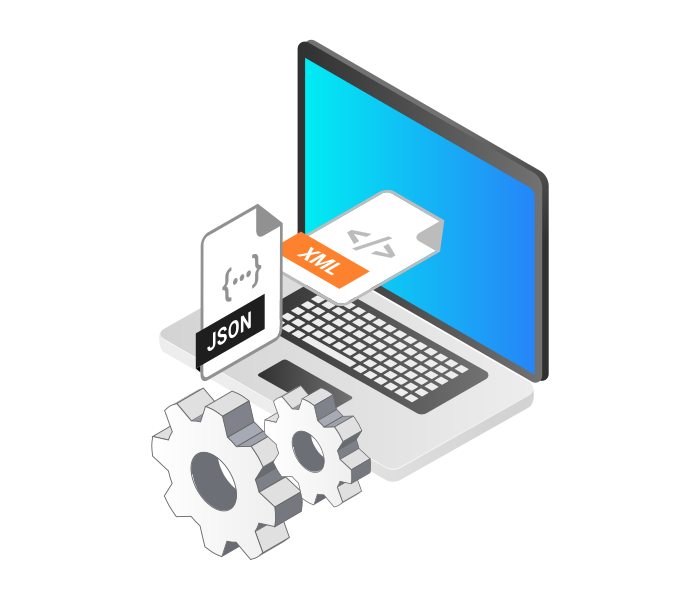
Your organization collaborates with vendors and partners that rely on XML files to exchange customer and transactional data. Using Dynamics 365, your CRM and ERP records are transformed into structured XML files for regulatory reporting, B2B integration, or internal system updates.
Developed for Complex Enterprise Workloads
Our Solutions Are Built to Support Advanced Data Workflows Across Systems
Browse Products View All Solutions
Standardized Exchange Across CRM, ERP, and External Systems
Using XML files, organizations can share or import structured data across departments and third parties while keeping Dynamics 365 up to date.
Support for Legacy and Regulatory Platforms
Whether sending invoice data or importing customer lists, XML integration ensures compatibility with systems that rely on structured formats.

Aligned Data and Improved Workflows
Exchange CRM and ERP records through XML files for partner integration, reporting, and compliance.
| Scenario | Data Movement | Business Outcomes |
|---|---|---|
| Export invoices as XML | Dynamics 365 → XML Files | Send billing data to external accounting or regulatory systems |
| Share vendor records with partners | Dynamics 365 → XML Files | Provide ERP data to third-party supply chain systems |
| Import leads from XML file | XML Files → Dynamics 365 | Create new contacts in CRM from partner campaigns |
| Load order data into ERP | XML Files → Dynamics 365 | Sync purchase orders from external sources into financial modules |
| Schedule daily XML export | Dynamics 365 → XML Files | Automate delivery of business records in required XML format |
System Compatibility
Integration Tools Built for Each System

Dynamics 365
Extract data from standard and custom entities with support for change tracking, filtering, and batching.
Learn More
XML Files
Read and write XML with full control over schema mapping, structure generation, and destination handling.
Learn MoreDynamics 365 and XML Files Data Integration is available in SSIS Integration Toolkit
Download Purchase Help ManualDynamics 365 Integration Scenarios
View data integration scenarios supported by our solutions. Each example shows how our
components connect enterprise platforms and services to support practical business processes.

Integrate Dynamics 365 with Azure Data Lake

Integrate Dynamics 365 with Azure Functions
Integrate Dynamics 365 with Azure Service Bus

Integrate Dynamics 365 with Excel
Integrate Dynamics 365 with LinkedIn
Integrate Dynamics 365 with Power BI
Integrate Dynamics 365 with QuickBooks
Integrate Dynamics 365 with Salesforce
Integrate Dynamics 365 with SharePoint
Integrate Dynamics 365 with Microsoft Teams
More Data Integration Use Cases
See more use cases across major enterprise platforms.

Database Connections

Directory Services

Dynamics GP
Dynamics SL

HubSpot

Marketo

NetSuite

Oracle CRM On Demand
Oracle Marketing Cloud

Project Server

QuickBooks

Salesforce

SharePoint

Team Foundation (DevOps) Server
Easily Solve Your Data Integration and Migration Problems
Experience why thousands of businesses across 100+ countries trust KingswaySoft for reliable data connectivity and integration solutions.
Contact Us