

Google Sheets
Data Integration
via SSIS Integration Toolkit
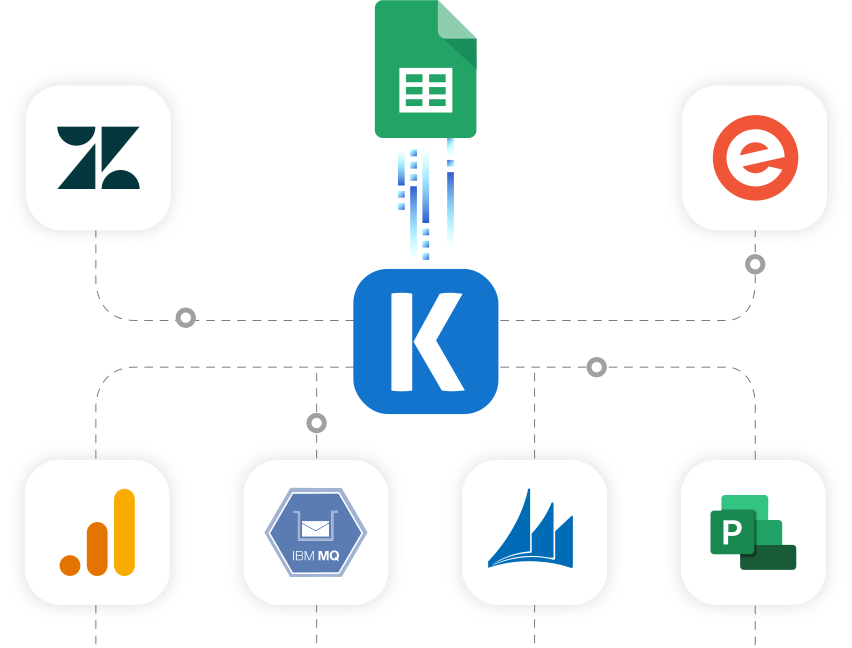
Retrieve data from Google Sheets to integrate with any other application or data source including Microsoft Dynamics 365, HubSpot, Excel, and Salesforce, to name just a few.
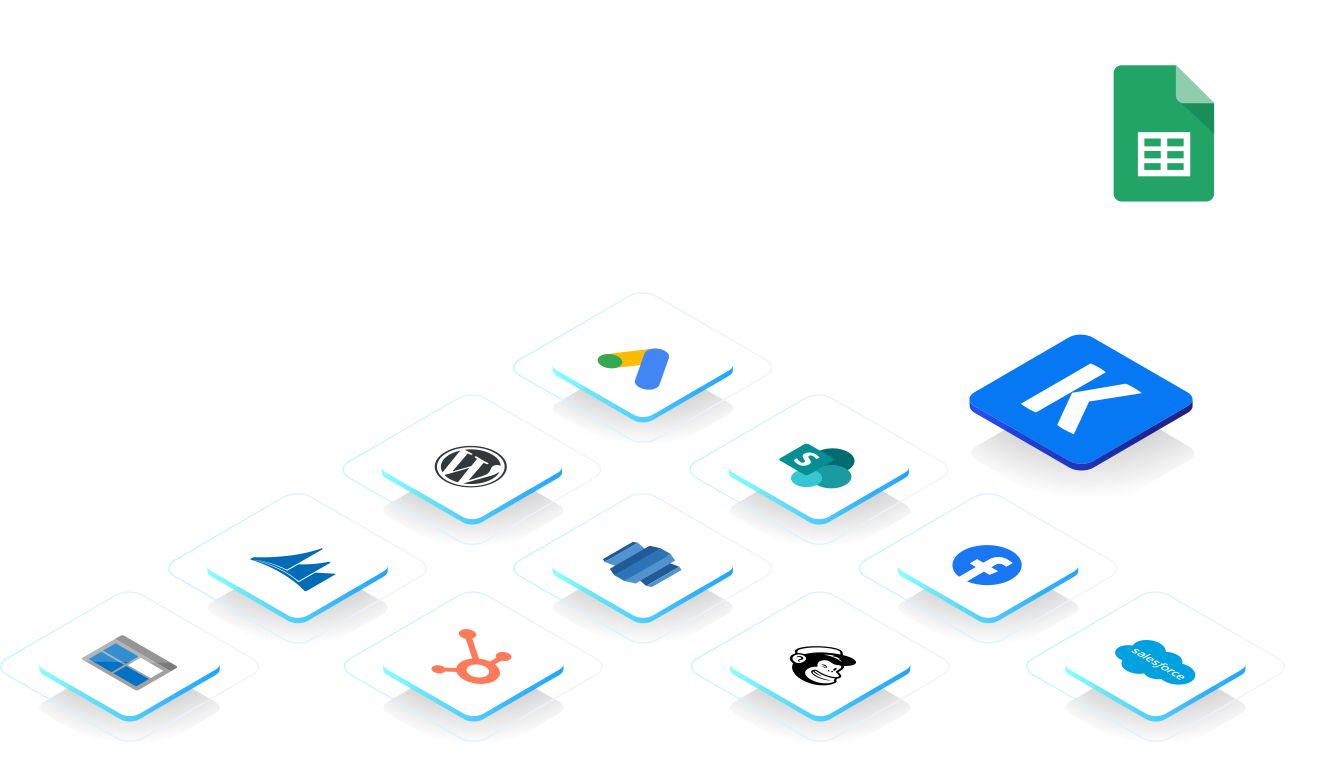
What other applications can you sync with Google Sheets?
Click here for more solutions.
Google Sheets supports collaborative spreadsheet creation, data entry, calculations, and reporting. Connect Google Sheets with other systems to support data exchange, reporting, operational updates, and business workflows.
Synchronize Data
Retrieve data from worksheets or named ranges and control the starting row, number of rows, column names, and value rendering. Write data using append, update, clear, copy, create, batch update, and row or column deletion actions. Connect using Authorization Code or Service Account authentication.
Support Spreadsheet Workflows
Transfer Google Sheets data to databases, reporting platforms, files, and other business applications. Control how values are interpreted, configure batch sizes and write positions, map incoming fields, redirect failed rows, and update component properties with runtime expressions.
Replicate Data

Data Archival
Transfer spreadsheet data to databases, files, or storage platforms for retention and historical analysis.

Data Analytics
Load Google Sheets data into reporting platforms for operational analysis, business reporting, and data consolidation.
Google Sheets Data Integration is available in the SSIS Integration Toolkit
Download Purchase Help ManualKey Features
- Authenticate using Authorization Code or Service Account.
- Read from supported worksheets and named ranges.
- Configure start rows, row limits, and read-to-end processing.
- Retrieve formatted values, raw values, or cell formulas.
- Append, update, clear, copy, create, and batch-update spreadsheet data.
- Delete selected rows or columns using configurable index values.
- Control value interpretation, insertion behavior, batch size, and write position.
- Automatically map fields and redirect unsuccessful rows for further review.
Video Tutorial
Get Started with Google Sheets Components
Learn how to quickly connect, read, write, and synchronize data with Google Sheets using KingswaySoft SSIS Components.
See Google Sheets Video
Google Sheets Data Integration Made Easy
Our solution is easy to use, offering codeless integration between Google Sheets and other applications, databases, files, and reporting systems. Built for Microsoft SQL Server Integration Services, KingswaySoft's Google Sheets integration solution helps users retrieve and write spreadsheet data through configurable worksheets, named ranges, value options, and supported destination actions. With support for Authorization Code and Service Account authentication, formulas, batch processing, field mapping, runtime expressions, and error redirection, businesses can build controlled Google Sheets data integration processes.
Our Google Sheets integration solution is available within the Google Services Components of our SSIS Integration Toolkit, a large collection of premium and unique ETL tools to enable greater development productivity. We also offer several additional connectivity solutions to easily integrate Google Sheets with applications such as Microsoft Dynamics 365, SharePoint, HubSpot, and many more.
See our full product offerings for more information.
More SSIS Google Services Components
Our SSIS Google Services components make it easy to integrate with different services within the ETL process. Each service available has specific components that have been developed to work with all the intricacies of that particular Google Service. In addition to Google Sheets, we support the following Google Services:
SSIS Integration Toolkit

Google Ads

Google AlloyDB

Google Analytics

Google Appsheet

Google BigQuery

Google Calendar

Google Classroom

Google Cloud Monitoring

Google Cloud SQL

Google Cloud Storage

Google Cloud Trace

Google Dataplex

Google Drive

Google Firebase

Google Forms

Google Maps

Google People

Google Search Console

Google Tag Manager

YouTube Analytics
Get In Touch
If you would like to know more specific details about our solutions, or if you have any suggestions about our product offerings, we are always here to listen and help!
Contact Us