

Google Forms
Data Integration
via SSIS Integration Toolkit
Retrieve data from Google Forms to integrate with any other application or data source including Microsoft Dynamics 365, NetSuite, Act-On, and QuickBooks, to name just a few.
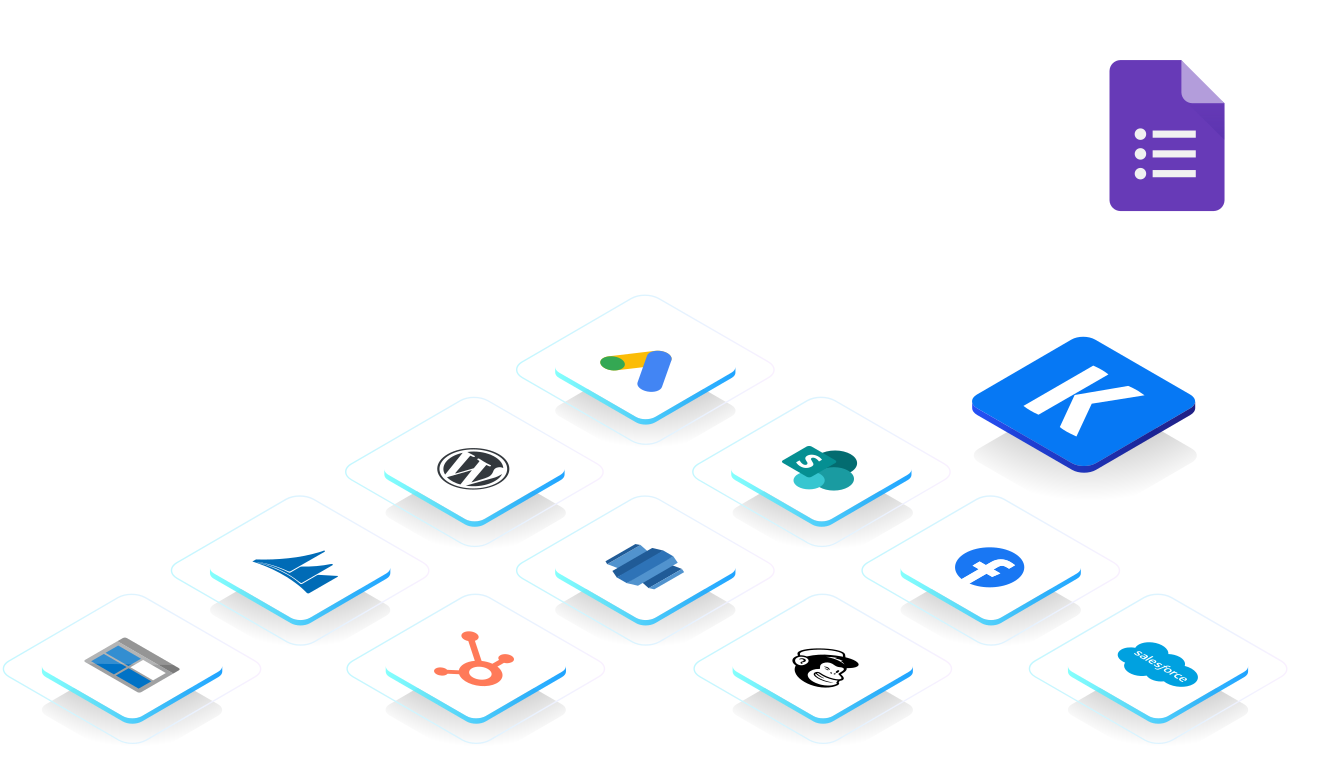
What other applications can you sync with Google Forms?
Click here for more solutions.
Google Forms helps businesses collect information through online forms and surveys. Connect Google Forms with other systems to make collected data available for business processes, reporting, analysis, and centralized record management.
Synchronize Data
Retrieve and write Google Forms data through supported objects, endpoints, and actions. Search available objects and operations directly within the component, apply endpoint-specific filters, and configure batch size and time zone settings based on the requirements of each data flow.
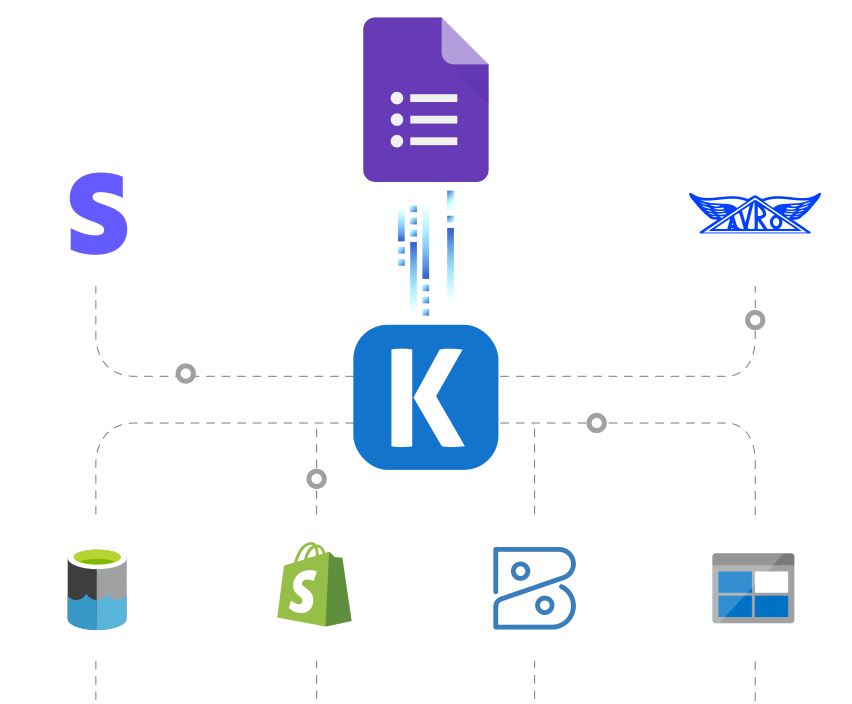
Support Business Workflows
Transfer Google Forms data to CRM platforms, databases, reporting solutions, and other business systems. Use the available source endpoints and destination actions to support processes that depend on information collected and managed through Google Forms.
Replicate Data

Data Archival
Transfer data to databases, files, or storage platforms for retention and historical analysis. Configure endpoint filters, field selection, batch size, and time zone to control the retrieved data.

Data Analytics
Load Google Forms data into reporting and analytics platforms to support response analysis, operational reporting, and broader business intelligence initiatives.
Google Forms Data Integration is available in SSIS Integration Toolkit
Download Purchase Help ManualKey Features
- Authenticate through OAuth Authorization Code or Service Account credentials.
- Configure OAuth using PKCE, scopes, token files, Client ID, Client Secret, and Redirect URL.
- Search supported objects, endpoints, and destination actions within the component.
- Apply endpoint-specific filters, batch sizes, and UTC or local time zone settings.
- Add nested fields and secondary outputs using Manage Additional Fields.
- Write related parent and child structures using child inputs and _LinkId mapping where supported.
- Capture newly created record identifiers through the _GoogleFormsId output.
- Access HTTP request and response details through dedicated diagnostic output columns.
Google Forms Data Integration Made Easy
Our solution is easy to use, offering codeless integration between Google Forms and other applications, databases, files, and reporting systems. Built for Microsoft SQL Server Integration Services, KingswaySoft's Google Forms integration solution helps users retrieve and write data through supported REST objects, endpoints, and actions. With support for OAuth, Service Account authentication, object and action search, endpoint filters, batch processing, time zone handling, nested JSON fields, child inputs, record ID outputs, retry handling, and HTTP diagnostics, businesses can develop controlled data integration processes for Google Forms.
Our Google Forms integration solution is available within the Google Services Components of our SSIS Integration Toolkit, a large collection of premium and unique ETL tools to enable greater development productivity. We also offer several additional connectivity solutions to easily integrate Google Forms with applications such as Microsoft Dynamics 365, SharePoint, HubSpot, and many more.
See our full product offerings for more information.
More SSIS Google Services Components
Our SSIS Google Services components make it easy to integrate with different services within the ETL process. Each service available has specific components that have been developed to work with all the intricacies of that particular Google Service. In addition to Google Forms, we support the following Google Services:

Google Ads

Google AlloyDB

Google Analytics

Google Appsheet

Google BigQuery
Google Calendar

Google Classroom

Google Cloud Monitoring
Google Cloud SQL

Google Cloud Storage

Google Cloud Trace

Google Dataplex
Google Drive

Google Firebase

Google Maps

Google People

Google Search Console
Google Sheets

Google Tag Manager

YouTube Analytics
Get In Touch
If you would like to know more specific details about our solutions, or if you have any suggestions about our product offerings, we are always here to listen and help!
Contact Us