

EasySync by KingswaySoft
Sync Azure Table with Any Application or Database
Advanced Data Synchronization
Easily sync Azure Table data with applications and databases using configurable connections and automated synchronization.
Download Contact Us
A Simpler Way to Work with Azure Table Data
EasySync lets you configure and automate data synchronization connections through a single platform, eliminating the need to build and maintain complex custom integration logic.
Turnkey Solution
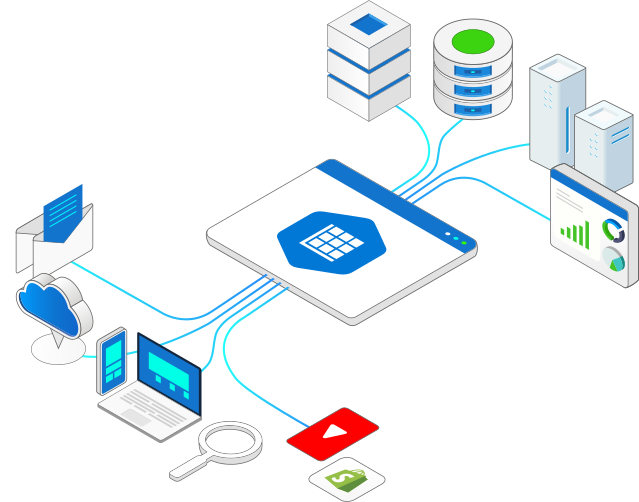
Efficiently synchronize data between databases, applications, and popular cloud services through configurable workflows.
Built for Enterprises
Synchronize data across systems with reliable, scalable workflows designed for enterprise data integration.
Deploy Anywhere
Deploy synchronizations on your infrastructure and maintain control over your data and integration environment.
Flexible Syncing
Configure data sources, destinations, mappings, and synchronization workflows without building custom integration code.
High Performance
Efficiently process data synchronization workflows with capabilities designed to optimize data transfer and API interactions.
100+ Connectors
Connect and sync data across a growing range of applications, databases, APIs, and other supported systems.
Connect Once. Sync More.
One data synchronization solution for a growing ecosystem of applications, databases, and services.
Whether you need to synchronize operational data, replicate application data, populate databases, or keep business systems aligned, EasySync provides a centralized platform for automating reliable data synchronization workflows.
Powerful Data Synchronization Without the Complexity
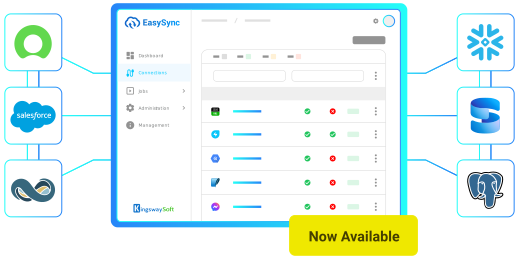
EasySync provides the capabilities needed to build reliable data synchronizations between database systems and third-party services.
Automated Synchronization
Configure and automate synchronization workflows to keep data up to date across connected systems.
Flexible Data Mapping
Control how data is transferred between source and destination systems with configurable synchronization mappings.
Performance Optimization
Take advantage of efficient data processing, caching, batching, and other capabilities to optimize synchronization workflows.
Data Consistency
Keep data aligned across applications and databases with reliable, automated synchronization processes.
Multi-System Synchronization
Synchronize data between applications, databases, APIs, and other connected systems through a single solution.
Application Integration
Connect business applications and data systems through configurable synchronization workflows without maintaining custom integration logic.
Built for Flexibility
EasySync supports a wide range of data synchronization scenarios, helping you move and maintain Azure Table data across technology environments.
-
Application-to-database synchronization
-
Database-to-application synchronization
-
Application-to-application synchronization
-
Data replication and consolidation
-
BI and analytics data synchronization
-
ETL and ELT workflows
-
Cloud-to-on-premises data synchronization
-
Operational data integration
Seamlessly Sync Azure Table with EasySync
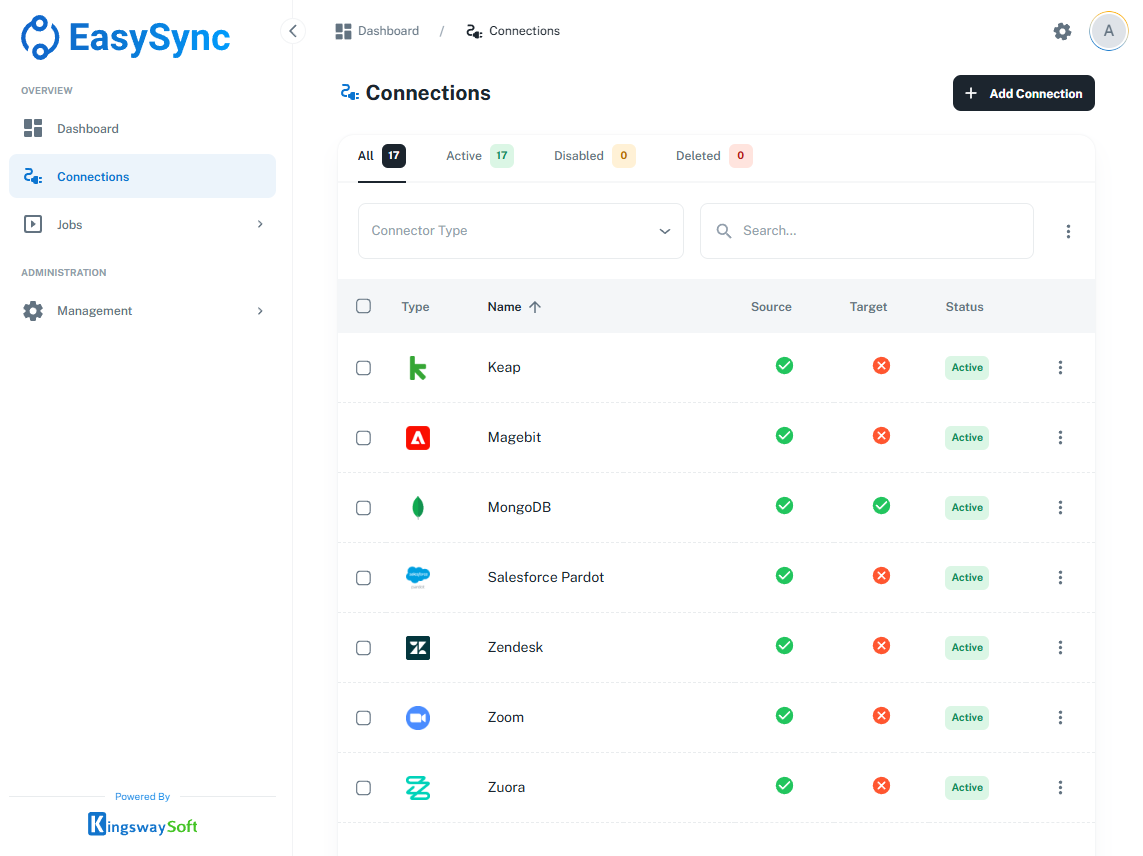
Synchronize data between Azure Table and other applications, databases, and services using configurable workflows and a consistent data synchronization experience.
Download Purchase Help ManualEasySync NoSQL Connectors
Connect and synchronize your data with a growing selection of noSQL databases through EasySync.
Browse All Supported Services through EasySync

MongoDB
More Database Connectors
Connect and synchronize your data with a growing selection of databases through EasySync.
Browse All Supported Services through EasySync
DB2

Google Dataplex
MySQL

Oracle

PostgreSQL

Snowflake

SQLite

SQL Server

SQL Server CDC
Keep Data Synced Across Your Enterprise
Simplify the process of keeping your data synchronized across applications and databases with EasySync.
Source Systems
Connect to Azure Table and other supported applications, databases, and services as data sources.
EasySync
Configure synchronization workflows, authentication, data access, mappings, and synchronization rules in one platform.
Databases
Synchronize data to databases, applications, analytics platforms, and other supported destinations.
FAQ
KingswaySoft EasySync allows you to extract entities from Azure Table Storage and synchronize them with supported applications, databases, and other systems. You can configure automated workflows and field mappings to integrate Azure Tables data without developing custom integration code.
EasySync supports extracting entities from tables accessible to your authenticated Azure storage account. Available tables are dynamically discovered from the storage account metadata, allowing you to select the data you need without manually defining table objects.
EasySync supports OAuth 2.0 Authorization Code authentication, OAuth Client Credentials through Microsoft Entra ID, and Shared Key authentication using an Azure storage account key. Authorization Code authentication also supports PKCE for additional security during the sign-in process.
Yes. EasySync provides configurable storage endpoint domains for Azure, Azure US Government, Azure China, Azure Germany, and custom domains. The connector uses the corresponding Microsoft Entra authentication endpoint where applicable, allowing you to connect to supported Azure Table Storage environments.
Yes. EasySync supports timestamp-based incremental extraction from Azure Tables, allowing you to retrieve entities created or modified since the previous synchronization. This reduces unnecessary data extraction and helps keep connected systems up to date without retrieving every entity on each run.
Yes. When timestamp-based incremental extraction is enabled, EasySync provides a Detect Deleted Records option to identify entities removed from Azure Table Storage between synchronization runs. This helps manage deletions and maintain data consistency across connected destination systems.
Yes. EasySync allows you to configure synchronization workflows, field mappings, batch sizes, specific API endpoints, and request parameters. These settings provide flexibility when extracting Azure Table Storage entities and transferring them to supported databases, applications, and other destinations.
Get In Touch
If you would like to learn more about EasySync or have specific data synchronization requirements, our team is here to help.
Contact Us